
What does low quality image mean?
The meaning of a low quality image is not limited to one technical setting. In everyday use, people call an image low quality when it looks unclear, damaged, heavily compressed, too small for its display size, or copied so many times that the original detail is gone.
A low quality image may still be readable. A blurry product photo, a compressed profile picture, a pixelated meme, and a rough screenshot can all be low quality in different ways. What they share is visible degradation. The image no longer looks clean, sharp, or freshly exported.
This is why the phrase can be confusing. Sometimes low quality is a problem to fix. On this site, it is usually an effect to create. You might want a lower file size, a more casual repost style, a crunchy meme look, or a photo that feels like it came from an old device or unstable internet connection.
Common examples of low quality images
A low quality image is easy to recognize when you know what clues to look for. It may have blocky artifacts around text, rough color bands in smooth backgrounds, jagged edges around objects, muddy shadows, or soft detail where a clean image would be sharp.
Common examples include a profile picture saved from a chat app, a screenshot that has been shared through several platforms, a meme repost with crunchy text, a small product photo enlarged beyond its original size, or a picture compressed to send faster over a slow connection.
The key is context. A photo can be technically small but still look clean if it was resized carefully. Another photo can be large in pixel dimensions but still look low quality because it has strongJPEG compression, blur, and noise.
Low quality vs low resolution vs compression
These terms are related, but they are not the same. Low resolution describes the number of pixels. Compression describes how the file is saved. Low quality describes the visible result that people see.
| Concept | Meaning | Visual clues | How to create it |
|---|---|---|---|
| Low quality image | A broad visual result where the image looks damaged, rough, copied, or less detailed. | JPEG blocks, blur, pixels, noise, dull color, rough edges | JPEG quality, output scale, pixel size, blur, noise |
| Low resolution image | An image with fewer pixels than needed for its display size. | Large square pixels, missing fine detail, soft upscaled edges | Output scale, pixel size, resizing |
| Compressed image | An image saved with stronger file compression, usually to reduce KB. | Artifacts around text, halos near edges, rough gradients | JPEG quality and export format |
| Blurry image | An image where edges and detail are softened or smeared. | Unclear faces, soft text, low sharpness | Blur, scale, camera-style softness |
| Pixelated image | An image where detail is grouped into visible square blocks. | Blocky faces, chunky icons, retro or low-resolution look | Pixel size and output scale |
If someone asks for a low resolution image, they usually mean fewer pixels. If they ask for a compressed image, they usually care about file size. If they ask for a low quality image, they usually care about the final look: blurry, pixelated, compressed, noisy, or visibly worse than the original.
For a focused explanation of pixel dimensions, display size, and output scaling, read What Is a Low Resolution Image?.
Why make an image low quality on purpose?
Most image tools try to improve quality. A low quality image maker does the opposite for practical and creative reasons. Sometimes you need a smaller file that uploads faster. Sometimes you want a casual image that does not look too polished. Sometimes the bad quality is the joke.
For memes, low quality can make an image feel funnier, older, or repeatedly reposted. For mockups, it can help test whether a design remains readable after compression. For communication, it can make a photo easier to send when the connection is weak and a full-quality file takes too long.
Intent matters. A low quality image should look deliberately rough, not broken by accident. The best results keep the main subject, message, or face visible while adding enough damage to change the feeling of the image.
How to make a low quality image
- Upload a JPG, PNG, or WebP image to Bad Quality Image Maker.
- Choose a preset such as Low Quality, Bad Quality, Pixelated, or Crunchy.
- Lower JPEG quality until compression artifacts become visible.
- Use Output scale when you also want a smaller image and lower KB.
- Add Pixel size if you want visible square blocks or a low-resolution feel.
- Add a small amount of Blur if the image still looks too sharp.
- Add Noise only when you want a rougher repost or meme texture.
- Compare the original and result file sizes, then download the JPG.
For a complete step-by-step workflow, read How to Make a Photo Look Low Quality. If the main effect you want is blocky pixels, use the pixelation guide instead.
Best settings for making a low quality image
Start with the gentlest setting that creates the visible damage you need. Strong settings are useful for memes, but they can destroy faces, text, and product details quickly.
| Goal | JPEG quality | Output scale | Pixel size | Blur | Noise | Best use |
|---|---|---|---|---|---|---|
| Readable low quality image | 35-50 | 80-100% | 1-3 | 0-1 | 0-12 | Documents, screenshots, thumbnails, and references that still need to make sense. |
| Small file for slow sharing | 25-40 | 50-80% | 1-4 | 0-1 | 0-15 | Images sent through weak connections, chats, or low-bandwidth workflows. |
| Copied social photo | 22-38 | 60-85% | 2-6 | 1-2 | 8-22 | A realistic reposted, screenshotted, or saved-too-many-times look. |
| Low quality meme | 12-28 | 45-75% | 5-12 | 0-1 | 18-45 | Reaction images, messy reposts, crunchy captions, and joke edits. |
| Bad profile picture | 28-45 | 70-100% | 2-6 | 1-2 | 8-20 | Avatars that should look rough while keeping the face or object recognizable. |
If file size is the main goal, change Output scale and JPEG quality before adding more visual effects. For tested compression ranges, see the JPEG quality settings guide.
Before and after examples
These examples show three common low quality image styles: a compressed photo, a copied screenshot, and a rough avatar. Each one keeps the subject visible while lowering polish and file size.
Compressed low quality photo
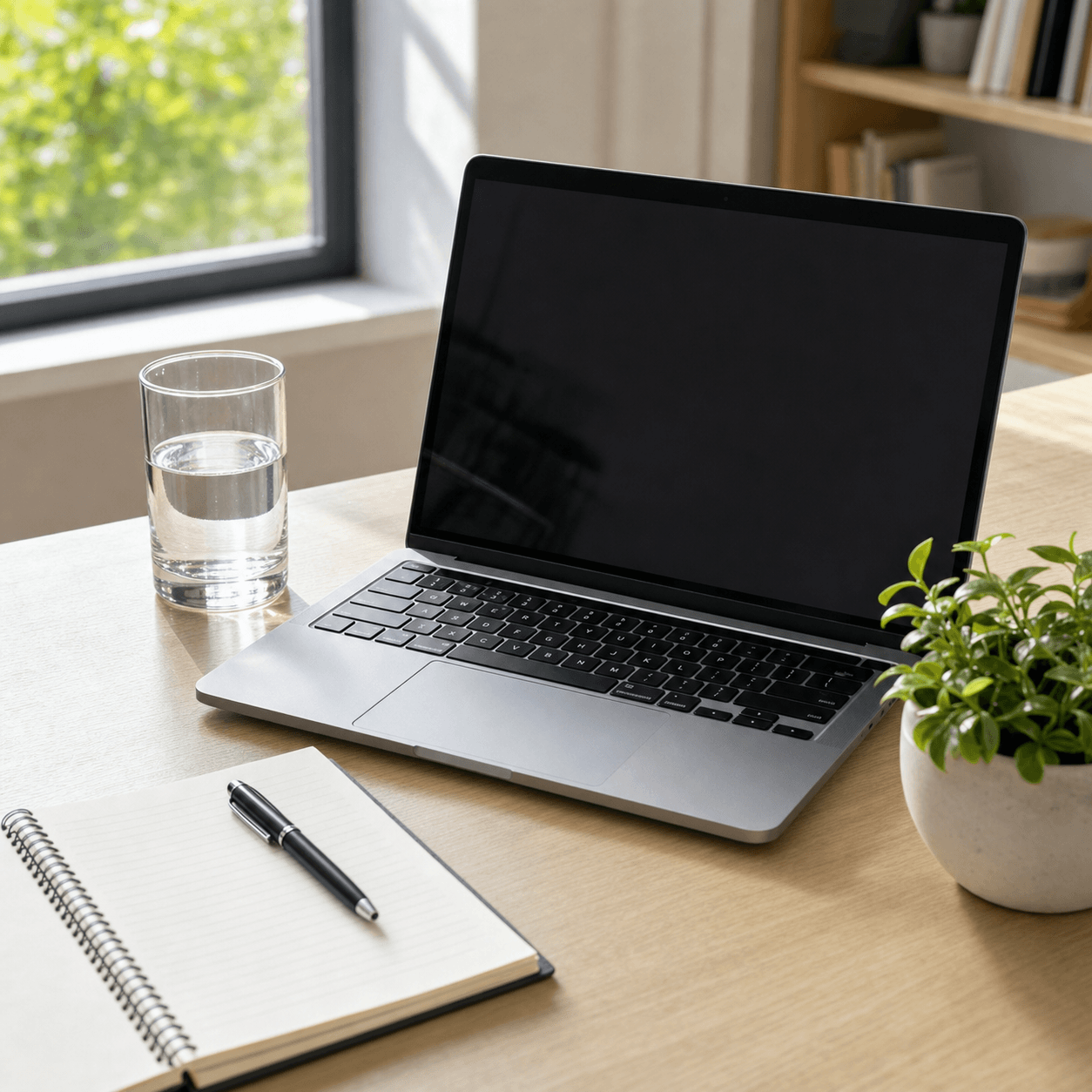 Clean photo
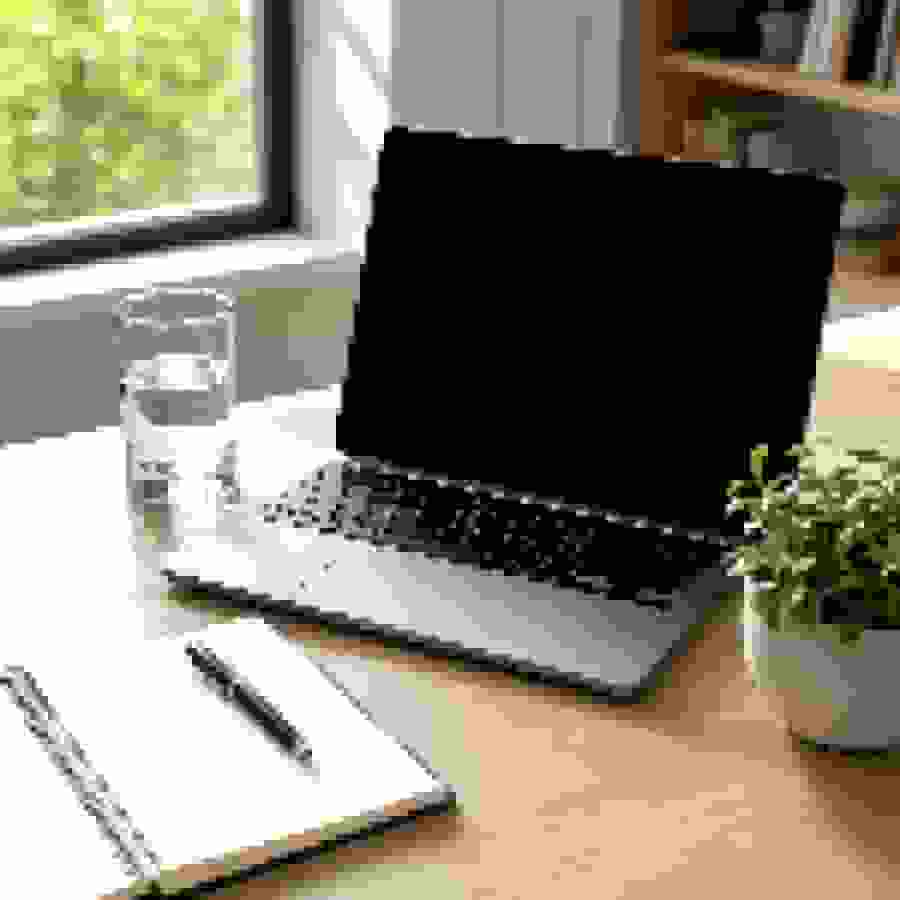 Low quality JPG
Copied screenshot look
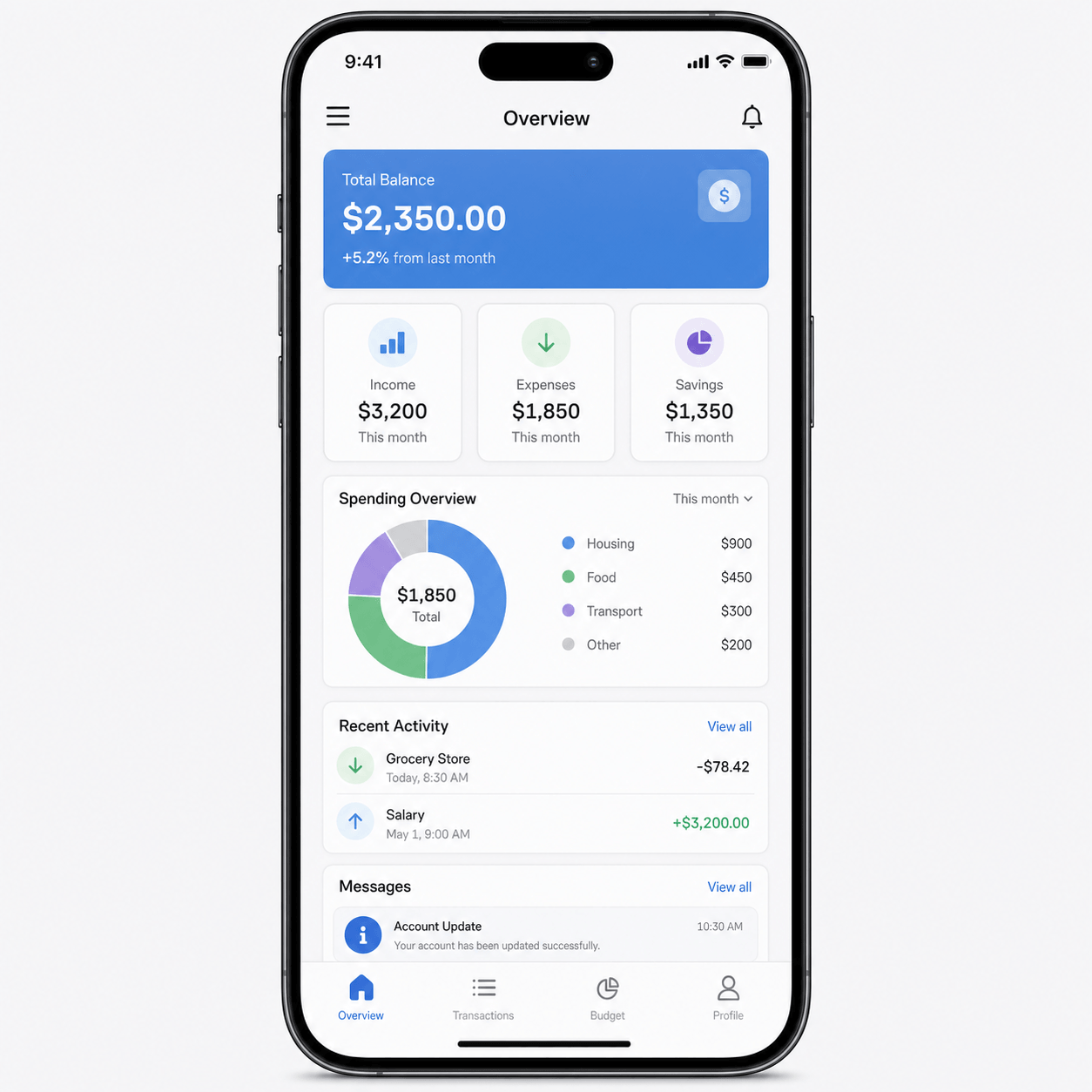 Clean screenshot
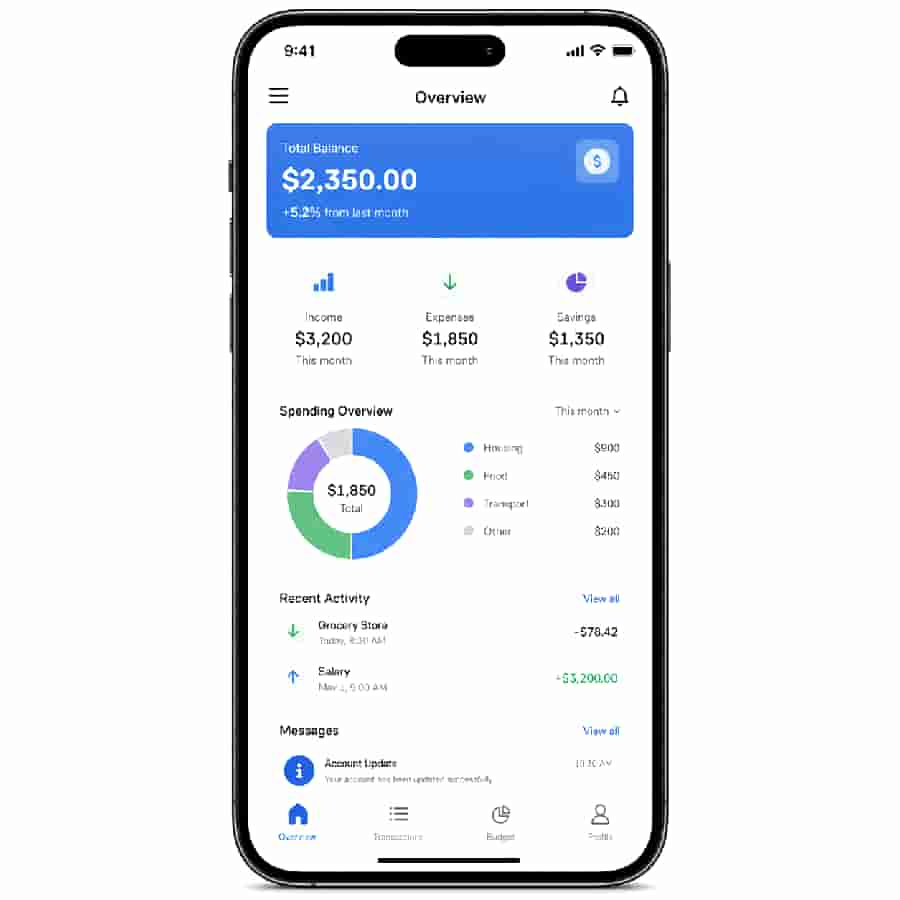 Rough screenshot
Low quality avatar
 Clean avatar
 Bad profile image
When low quality becomes too low
A bad quality image is not always better when it is more damaged. If the final image must communicate information, the subject should still be recognizable. Text should still be readable enough for the situation. Faces should not disappear unless that is the purpose of the edit.
Use heavier pixelation and noise for joke images, but use lighter compression for screenshots, references, and profile pictures. When in doubt, create a medium-quality rough version first, then push the settings lower only if the image still looks too clean.
Make a low quality image online
Use the Low Quality Image Maker to upload a photo and add compression, pixels, blur, or a repost look. For one-control-at-a-time damage, use the Image Degrader. For compression-only results, choose Lower quality in the main tool and leave blur, pixelation, and noise off. Both tools process the image in the browser, so you can preview the look before downloading the JPG.
FAQ
What is a low quality image?
A low quality image is an image with visible loss of detail, compression artifacts, blur, pixelation, noise, weak color, or a rough copied look. It can happen by accident, or it can be created on purpose for style, humor, smaller files, or slow-network sharing.
Is low quality the same as low resolution?
No. Low resolution means the image has fewer pixels. Low quality is broader: it can include low resolution, heavy JPEG compression, blur, noise, color damage, and repeated saving artifacts.
What makes an image look low quality?
The most common clues are blocky JPEG artifacts, soft edges, visible pixels, muddy color, rough gradients, noise, and a file that looks like it was copied, screenshotted, resized, or re-uploaded several times.
How do I make a low quality image?
Start by lowering JPEG quality, then reduce output scale if file size matters. Add pixelation, a small amount of blur, and light noise only after the image still looks too clean.
Can a low quality image still be useful?
Yes. A useful low quality image can still show the subject, joke, screenshot, or visual reference. The best setting depends on whether the image needs to be readable or only needs a rough visual style.
Does making an image low quality reduce file size?
Usually yes, especially when you lower JPEG quality and output scale. Some effects, such as heavy noise, can add visual complexity, so compression and scale usually matter more than noise when smaller files are the goal.