
Compressed photo set
Useful for reposted photos and casual image copies.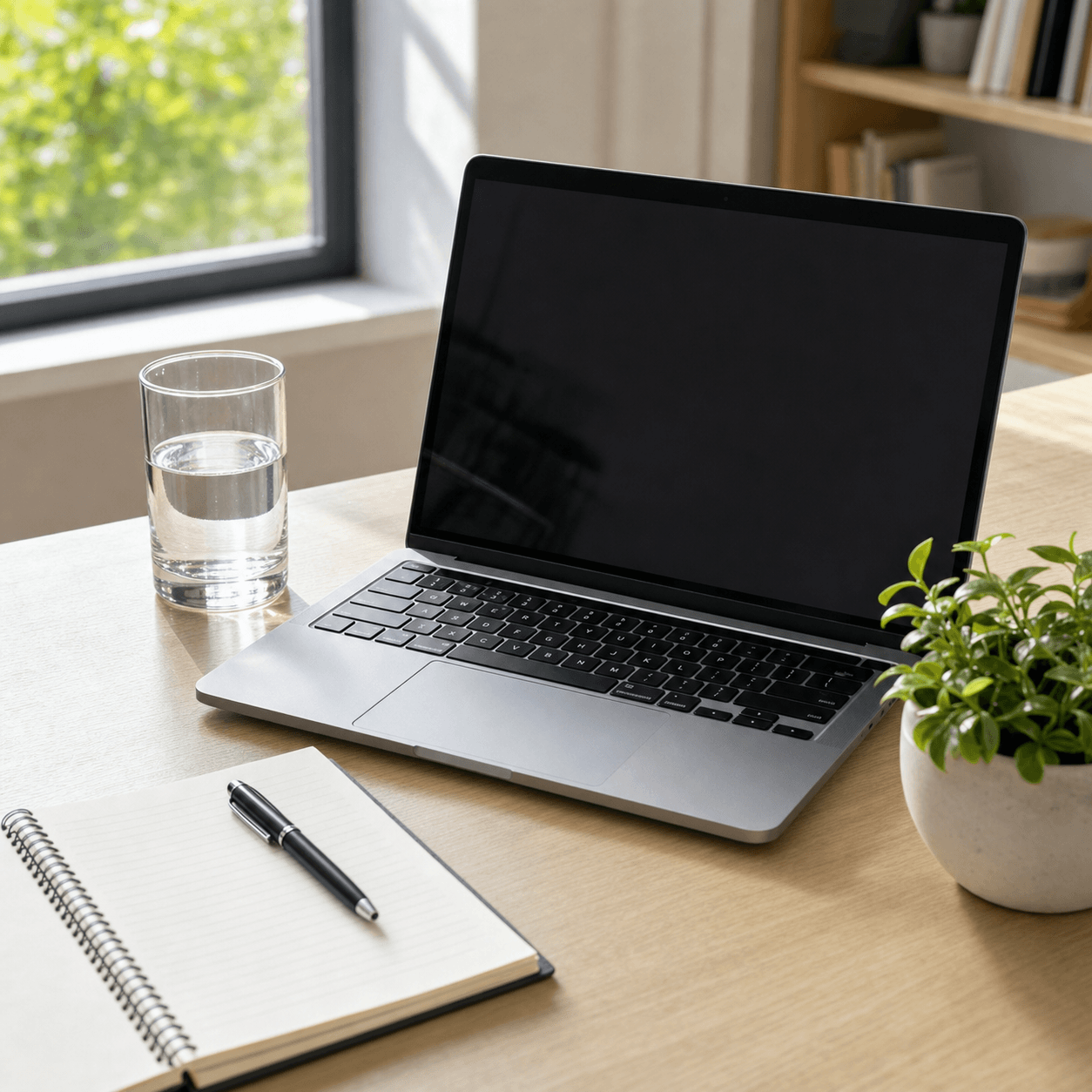
Make multiple images look intentionally bad with the same settings.
Upload up to 10 photos, screenshots, avatars, or meme panels, choose a preset, and apply the same quality-reduction settings to every image. Everything runs in your browser, and the finished JPGs can be downloaded together as one ZIP file.
These static before-and-after examples show what happens when the same degradation recipe is applied to a group of similar images. The files are exported as 900 × 900 JPGs.
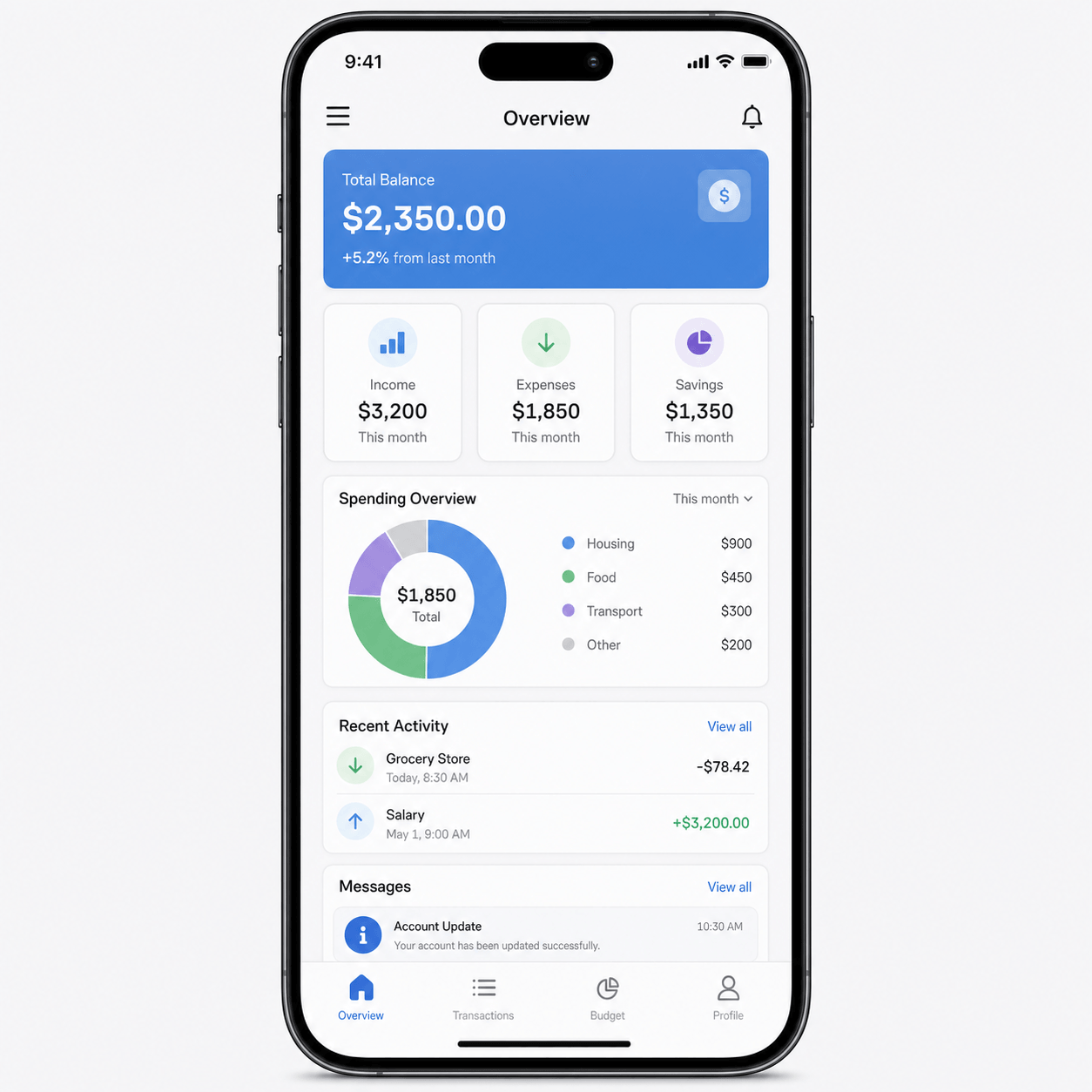

This batch image quality maker is different from bulk compression or resizing because the goal is a deliberately rough visual result, not only a smaller file.
Bulk image compression reduces file size while trying to keep images visually clean. This batch tool applies JPEG compression, pixels, blur, color adjustments, and noise so the output looks intentionally degraded rather than neatly compressed.
Resizing changes only the pixel dimensions. This batch tool changes the image's visual character through compression, pixelization, blur, saturation, contrast, and noise, in addition to optional scaling.
The single-image tool is designed to preview and iterate on one image. The batch tool applies one set of settings to up to 10 images at once and downloads the results as a ZIP.
Start with JPEG quality as the main lever. Apply scale, pixels, blur, or noise only when the image still looks too clean. If the images in a batch vary widely in style or dimensions, split them into separate batches first.
| Goal | JPEG quality | Output scale | Pixel size | Blur | Noise |
|---|---|---|---|---|---|
| Light reduction | 35-50 | 85-100% | 1-3 | 0-1 | 0-12 |
| Reposted image set | 22-35 | 70-90% | 2-6 | 0-1 | 10-28 |
| Low-quality meme set | 12-25 | 55-80% | 5-12 | 0-2 | 20-45 |
| Readable screenshot set | 25-40 | 80-100% | 1-4 | 0-1 | 0-18 |
You can process up to 10 images in one batch. This limit keeps browser memory use manageable and makes the progress state easy to understand.
Yes. Choose a preset or adjust the controls once, and the same JPEG quality, scale, pixel, blur, color, and noise settings are applied to every selected image.
Yes. After processing finishes, download the generated JPG files as one ZIP archive.
No. The batch processing runs in your browser. The selected files are read locally and are not sent to a processing server.
The batch tool uses one shared configuration for the whole batch. For different looks, process the images in separate batches or use the single-image tool.
The other images continue processing. The failed file is marked in the queue with an error message, and the successful results can still be downloaded.
Each tool below focuses on a different part of the image quality workflow.