
Loud color is the signature
Deep fried meme images rely on harsh saturation and contrast more than normal low-quality photos do. The goal is not subtle realism; it is an obviously over-edited image that looks compressed and repeatedly reposted.
Upload an image to start with Deep fried. Adjust the strength, compare, and save.
Free. No signup or watermark. Your image stays on your device.
This image deep fryer deep-fries a photo, meme, or screenshot in the browser. Use it as a meme deep fryer or a deep fried image generator: harsh JPEG compression, boosted saturation, high contrast, noise, and crunchy pixels. The result should look repeatedly edited, not slightly compressed.
The tool starts from the Deep Fried preset, so color, contrast, and noise come in stronger than on the low quality image maker. Lower JPEG quality if the first preview still looks too clean.
Last updated: 2026-10-24
Common situations where this tool helps.
Use these steps for a reliable result.
Start from the embedded preset, then use these ranges to tune the result for a specific target.
| Goal | JPEG quality | Pixel size | Blur | Color | Noise |
|---|---|---|---|---|---|
| Classic deep fried | 6-16 | 5-10 | 0 | Saturation 220-260, contrast 210-260 | 60-90 |
| Crunchy reaction | 10-20 | 6-12 | 0-1 | Saturation 190-240, contrast 170-230 | 50-75 |
| Text meme | 12-24 | 3-8 | 0 | Contrast 170-230 | 35-65 |
| Extreme artifact | 4-10 | 10-18 | 0 | Saturation 240-260, contrast 230-260 | 75-90 |
Use these notes to avoid results that are either too clean or too damaged for this specific effect.
Deep fried meme images rely on harsh saturation and contrast more than normal low-quality photos do. The goal is not subtle realism; it is an obviously over-edited image that looks compressed and repeatedly reposted.
If the image contains captions or screenshot text, avoid high blur. Use contrast, noise, and JPEG quality for intensity while keeping the words recognizable enough for the meme to work.
Extreme artifact settings are useful for reactions and jokes, but they can flatten important details. Raise pixel size or noise one step at a time so the result stays visually chaotic without becoming unidentifiable.
These examples show common before and after directions for this effect.
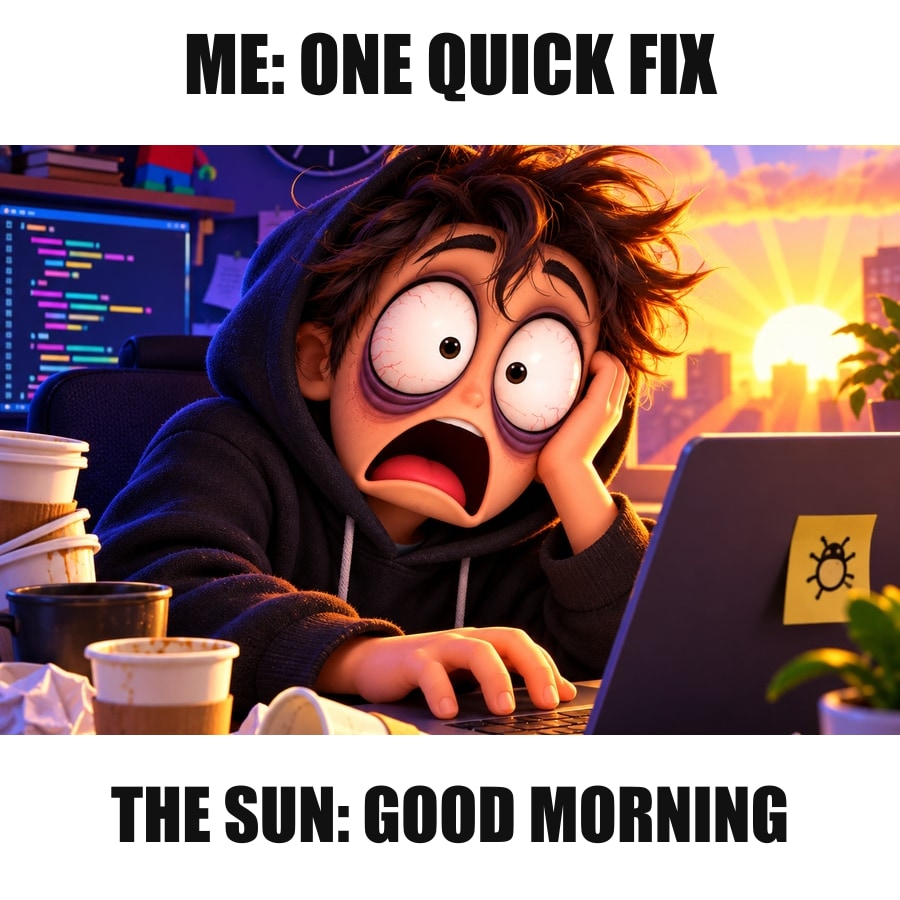 Original meme
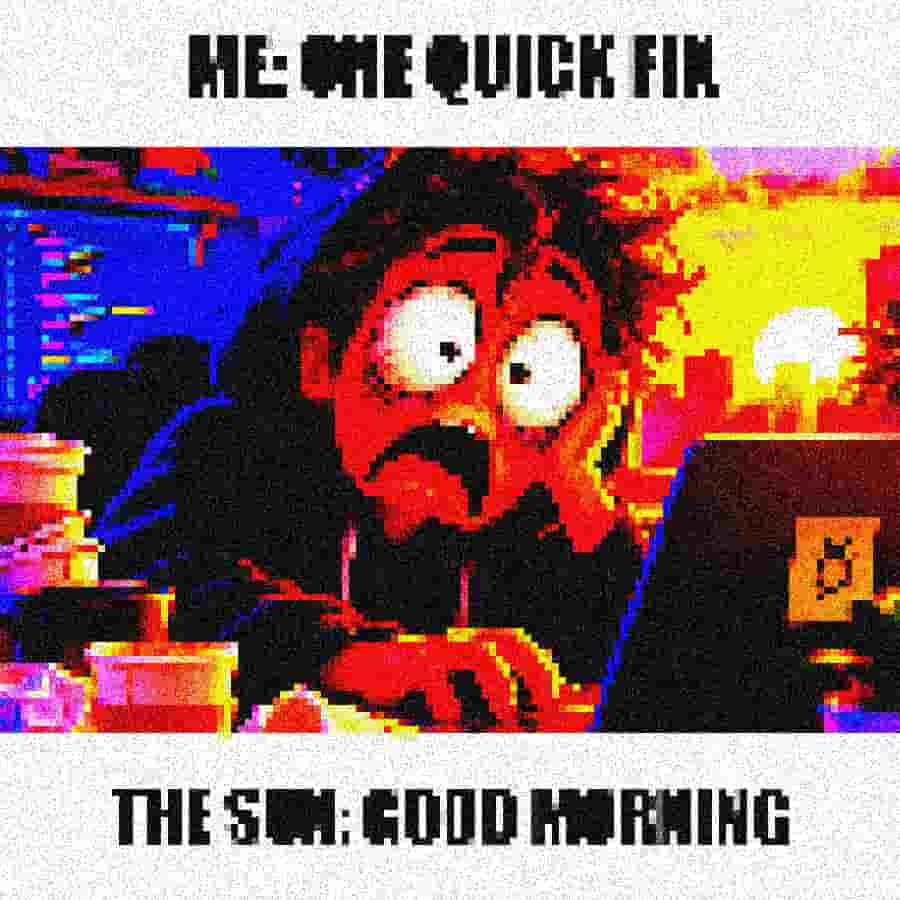 Deep fried meme
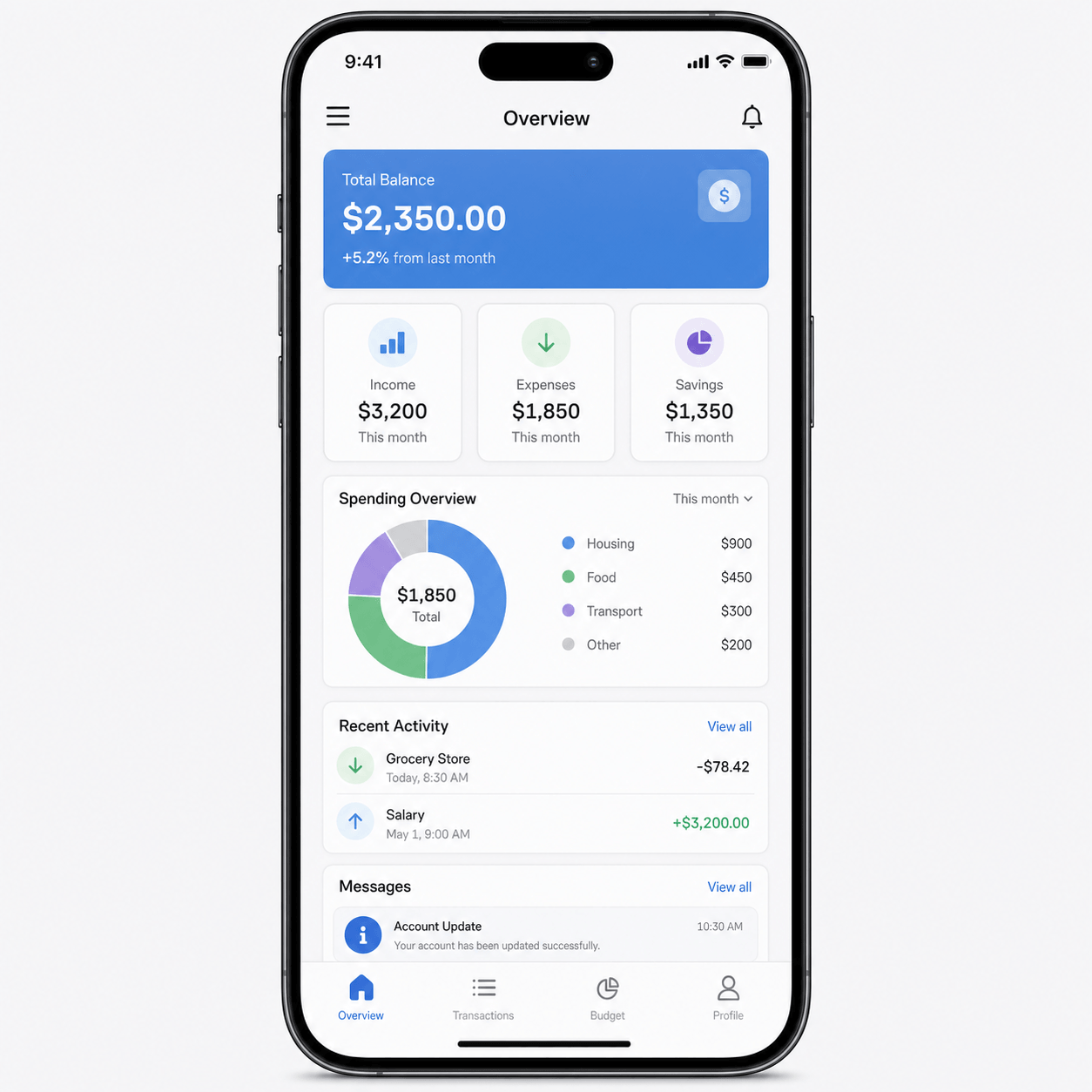 Clean text
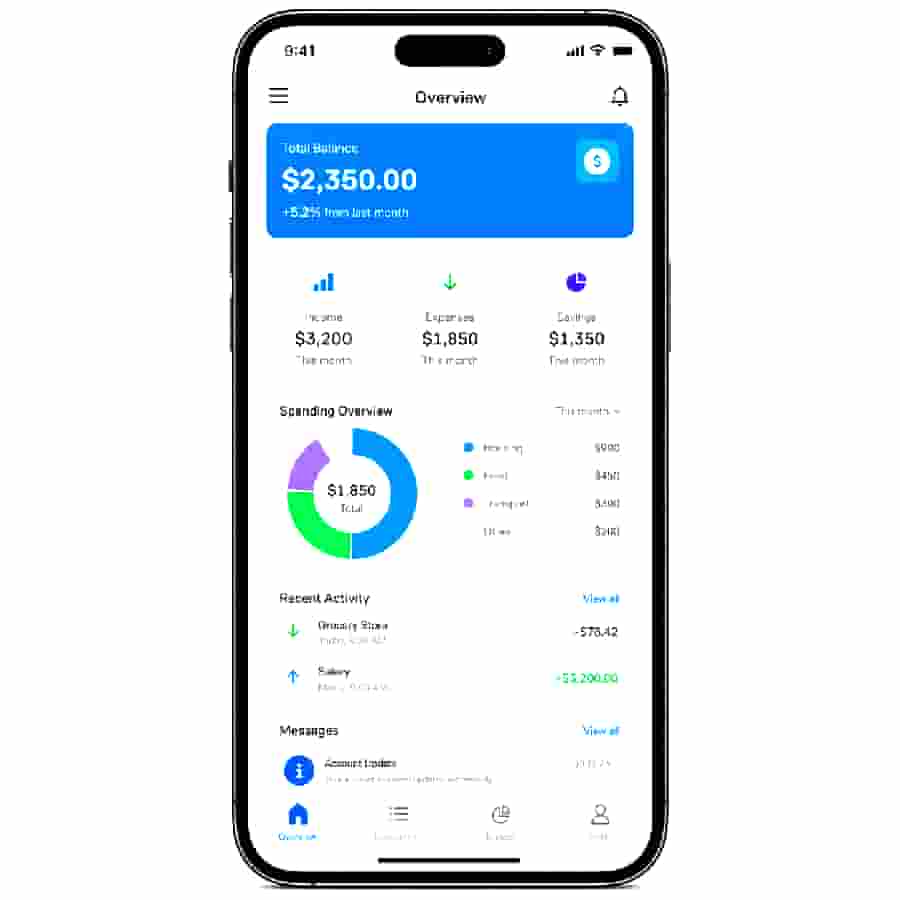 Harsh artifacts
 Original image
 Deep fried copy
Answers for this specific image-quality effect.
An image deep fryer overcooks a photo on purpose: low JPEG quality, harsh saturation, high contrast, and visible noise. This page starts from that look so you can deep fry an image without building the effect from scratch.
Yes. Upload any JPG, PNG, or WebP. The same deep fry image settings work on photos, reaction images, and screenshots. Keep blur low if the subject still needs to be recognizable.
A meme deep fryer is the same tool used on joke images. Harsh color and compression are the point. If the caption is the joke, export first and add the text afterward.
Yes. Upload a photo, screenshot, or reaction image and generate a deep-fried JPG in the browser. Image deep fryer, meme deep fryer, and deep fried image generator describe the same job.
A deep fried meme is intentionally over-compressed, over-saturated, noisy, and high contrast so it looks repeatedly edited or reposted.
Raise the strength slider for a stronger Deep fried look. Open More image controls to fine-tune JPEG quality, saturation, contrast, noise, and pixel size.
Usually only slightly. Too much blur can hide the crunchy artifacts that make the style recognizable.
Yes, but keep blur low so text stays recognizable. Use contrast, saturation, compression, and noise for most of the effect.
Use low JPEG quality, high saturation, high contrast, visible noise, and a little pixelation. Keep blur near zero so the artifacts stay sharp.
Yes. Increase saturation and contrast first, then add noise slowly. If the subject starts disappearing, reduce pixel size before lowering quality further.
Choose another workflow or browse the full image toolbox.