
What makes a photo look low quality?
A low quality photo is not only a smaller file. It has visible clues that make it feel compressed, old, copied, or casually shared. The most common clues are JPEG artifacts around edges, soft blur from a bad camera or screenshot, square pixel blocks from low resolution, and rough color or noise.
The best low-quality effect is usually controlled. If the photo is too damaged, the joke or subject disappears. If it is too clean, it still looks like a normal optimized image. The goal is to damage the photo enough that it looks intentionally low quality while keeping faces, objects, or text understandable.
Quick method
- Upload your photo to the image tool.
- Start with JPEG quality around 30 to 45.
- Add blur 1 to 2 if the photo still looks too sharp.
- Use pixel size 2 to 6 for mild blocky damage.
- Add light noise only after the compression level feels right.
- Compare the original and result sizes, then download the JPG.
You can do this with the Low Quality Image Maker. It works in the browser and shows a before-and-after preview.
If you are not sure where to start, avoid extreme settings on the first pass. Make one change at a time, check the preview, and then push the effect further only when the photo still looks too clean.
Best settings for low quality photo styles
Different photo styles need different damage. A profile picture should stay recognizable, while a meme repost can use stronger compression and noise. Use these ranges as starting points, then adjust by preview.
| Style | JPEG quality | Pixel size | Blur | Noise | Best use |
|---|---|---|---|---|---|
| Subtle low quality photo | 34-45 | 2-4 | 1-2 | 8-18 | Profile jokes, casual reposts, small previews |
| Old web photo | 22-34 | 4-8 | 1 | 15-30 | Retro pages, fake old uploads, compressed archives |
| Meme repost | 12-25 | 6-14 | 0-1 | 30-55 | Reaction images, group chat edits, copied meme style |
| Fake screenshot | 24-38 | 2-6 | 0-1 | 10-25 | Text images where words should stay readable |
| Bad profile picture | 28-42 | 3-7 | 1-2 | 12-28 | Avatars that should look rough but recognizable |
What each style means
Subtle low quality photo means the image still looks natural, but it has enough JPEG compression, softness, and rough edges to feel copied or lightly degraded. This is the safest style when you want the photo to look worse without turning it into a joke.
Old web photo is closer to an early upload, archived thumbnail, or image saved too many times. It should feel smaller, flatter, and less detailed, with visible compression blocks around edges and gradients.
Meme repost is more aggressive. The goal is a crunchy, repeatedly shared look, so stronger compression, noise, and pixelation are acceptable. This style works best for reaction images, joke screenshots, and intentionally messy posts.
Fake screenshot should stay readable. Use lower JPEG quality and light blur, but avoid heavy pixelation because text, UI labels, and small icons can disappear quickly.
Bad profile picture is rough but recognizable. Keep the face or subject clear enough to identify, then add mild pixelation, small blur, and moderate compression so it feels like a tiny avatar saved from an old account or group chat.
Before and after example
This example starts with a clean photo and turns it into a smaller, rougher repost-style image. The result is not destroyed; it simply looks more compressed and less polished.
Notice that the low quality version keeps the main subject visible. That is usually better than making the image completely unreadable, especially when the photo still needs to work as a post, preview, or visual reference.
Low quality photo effect
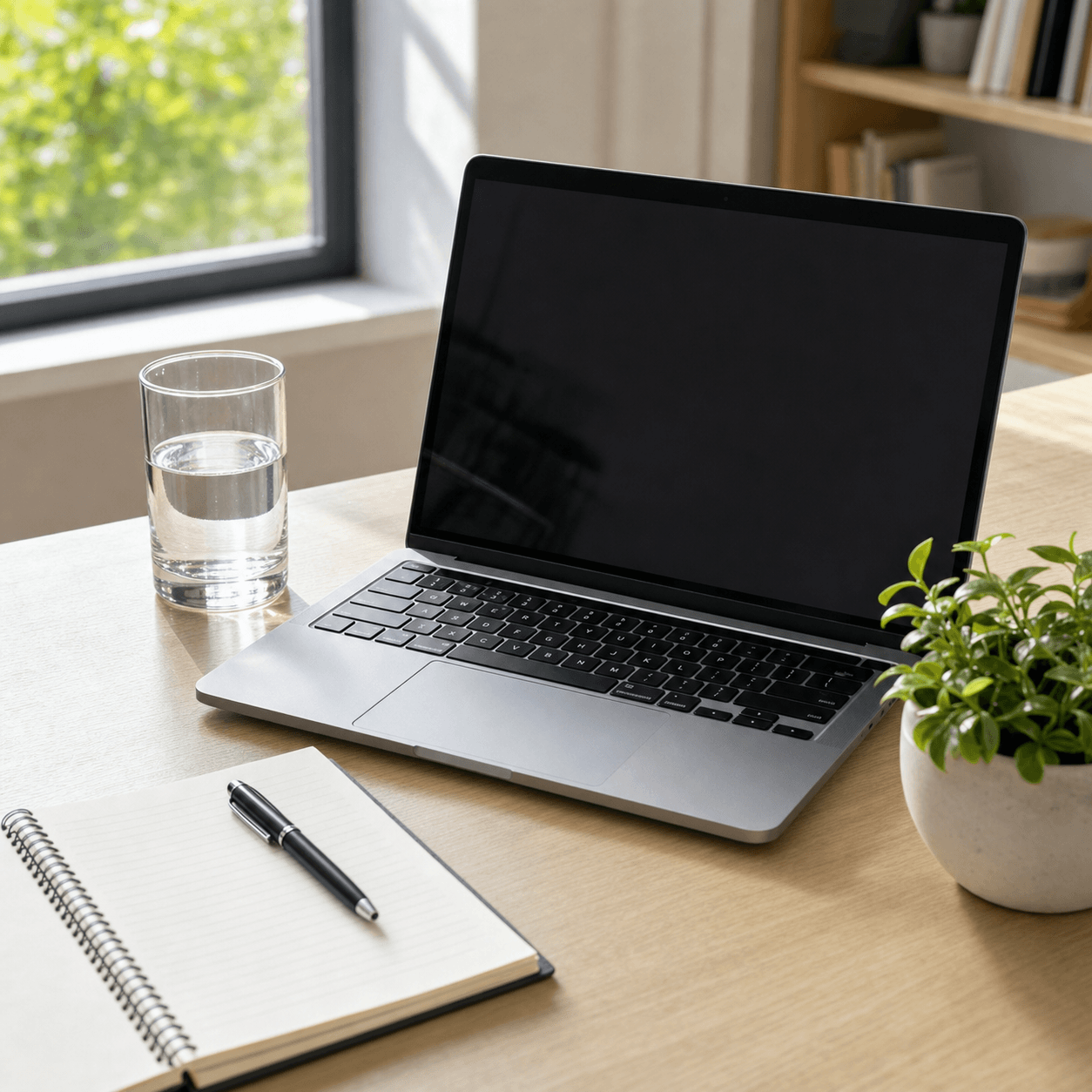 Clean photo
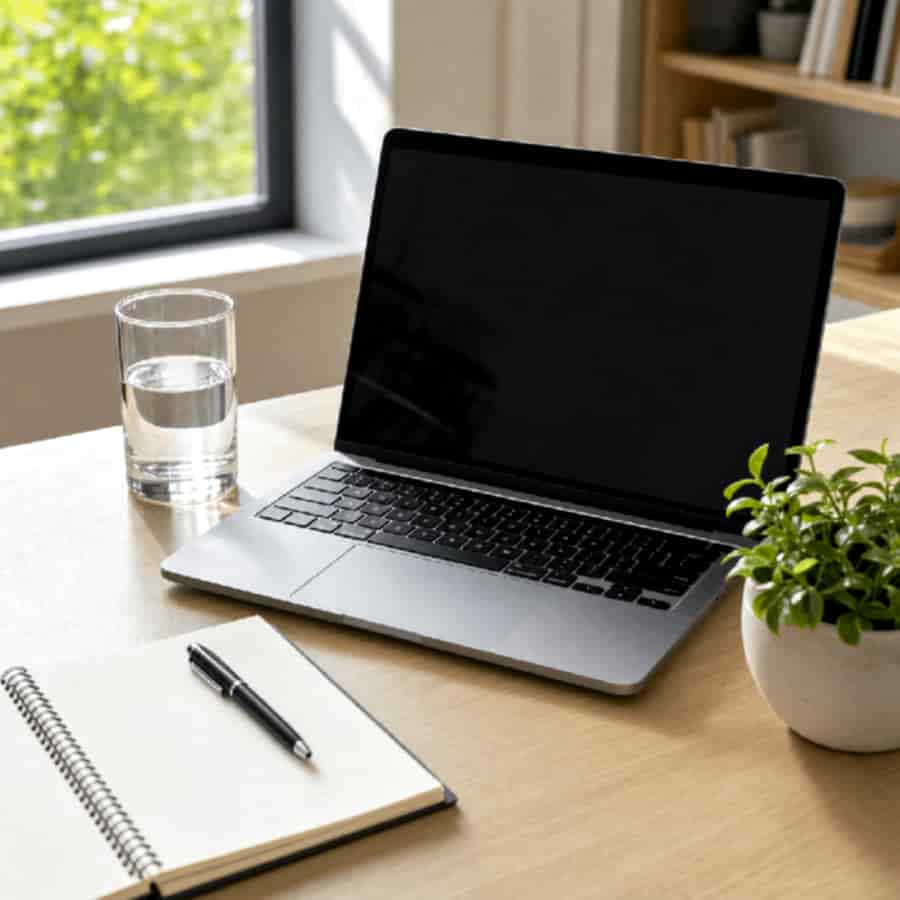 Compressed repost
Common mistakes
Using too much blur
Blur can make a photo look low quality, but too much blur hides the subject and removes the crunchy compression texture. Keep blur low unless you specifically want a soft camera look.
Pixelating the photo too early
Large pixels are useful for a blocky meme effect, but they can make faces and small details disappear. Start with JPEG quality first, then add pixelation only if the photo still looks too clean.
Adding too much noise
Noise makes the image rougher, but it can also make the file harder to compress. If file size matters, lower JPEG quality before raising noise.
Use the free online tool
Use Bad Quality Image Maker to make a photo look low quality in your browser. Upload a JPG, PNG, or WebP image, choose a preset, adjust the damage controls, compare file sizes, and download the degraded result.
For stronger effects, try the Low Quality Image Makeror the Deep Fried Meme Generator. For more controlled testing, use the Image Degrader.
See the low quality image meaning guide if you want the definition, examples, and difference between low quality, low resolution, and compression before choosing settings.
See the image quality worse guide when you want a broader quality-degradation workflow, or see the JPEG compression settings guide for tested quality ranges.
For a blockier effect, see How to Pixelate an Image for a Low-Quality Look.
FAQ
How do I make a photo look low quality?
Lower JPEG quality first, then add a small amount of blur, pixelation, and noise. Start gently so the photo looks compressed or re-uploaded without becoming unreadable.
What JPEG quality should I use for a low quality photo?
Use 30 to 45 for a subtle low-quality photo, 20 to 32 for an old web photo, and 12 to 25 for a rough meme repost.
Should I use blur or pixelation?
Use blur when you want a soft camera or screenshot look. Use pixelation when you want blocky low-resolution damage. For realistic results, use both lightly.
Can a low quality photo still be readable?
Yes. Keep blur low, avoid large pixel size values, and use JPEG compression as the main effect. The subject should still be recognizable after the quality is reduced.
Does making a photo low quality reduce file size?
Often yes, especially when the result is downloaded as a low-quality JPG. Heavy noise can sometimes increase complexity, so lower JPEG quality before adding more noise if size matters.