
What pixelation does to an image
Pixelation makes an image look lower resolution by grouping detail into visible square blocks. Instead of only making the file smaller, it changes how the picture reads. Edges become chunkier, textures become simpler, and fine details disappear into larger color areas.
This is different from JPEG compression. Compression creates rough artifacts around edges and gradients, while pixelation creates a blocky grid. Blur removes detail softly. Noise adds rough texture. A good pixelated low-quality image usually combines pixel size with a little compression, but pixel size should be the main control.
Pixelation works best when the subject has a simple shape: a face, avatar, product, meme panel, screenshot, or object on a clear background. Detailed landscapes and small text can become unreadable much faster.
How to pixelate an image
- Open Bad Quality Image Maker.
- Upload a JPG, PNG, or WebP image from your device.
- Choose the Pixelated preset if you want the block effect immediately.
- Increase Pixel size until the blocks are visible at the final display size.
- Lower JPEG quality if the image still looks too clean.
- Add light noise only when you want a rougher meme or repost texture.
- Compare the original and result KB, then download the JPG.
The most common mistake is starting with too many controls at once. Set pixel size first, then decide whether compression, blur, or noise is actually needed. This keeps the result intentional instead of randomly damaged.
Best pixel size settings
Pixel size controls how large each visible block becomes. Small values create a subtle low-quality image. Medium values create an obvious pixelated image. Large values make the result abstract and intentionally damaged.
| Goal | Pixel size | JPEG quality | Blur | Noise | Expected result |
|---|---|---|---|---|---|
| Light pixelated photo | 2-4 | 35-50 | 0-1 | 0-12 | Soft block edges with the subject still looking mostly natural. |
| Pixelated low-quality image | 6-10 | 25-40 | 0-1 | 8-22 | Visible blocks plus compression artifacts for a copied image feel. |
| Pixelated meme | 10-16 | 18-32 | 0 | 18-40 | Blocky reaction-image damage that still keeps the joke readable. |
| Low-quality avatar | 4-8 | 28-44 | 1 | 8-20 | Rough profile image where the face or object remains recognizable. |
| Fake old screenshot | 2-6 | 30-48 | 0 | 4-16 | Light UI damage while text and icons stay readable enough. |
| Extreme pixel damage | 18-28 | 10-24 | 0 | 20-55 | Large blocks, lost detail, and a deliberately broken image style. |
Pixel size comparison
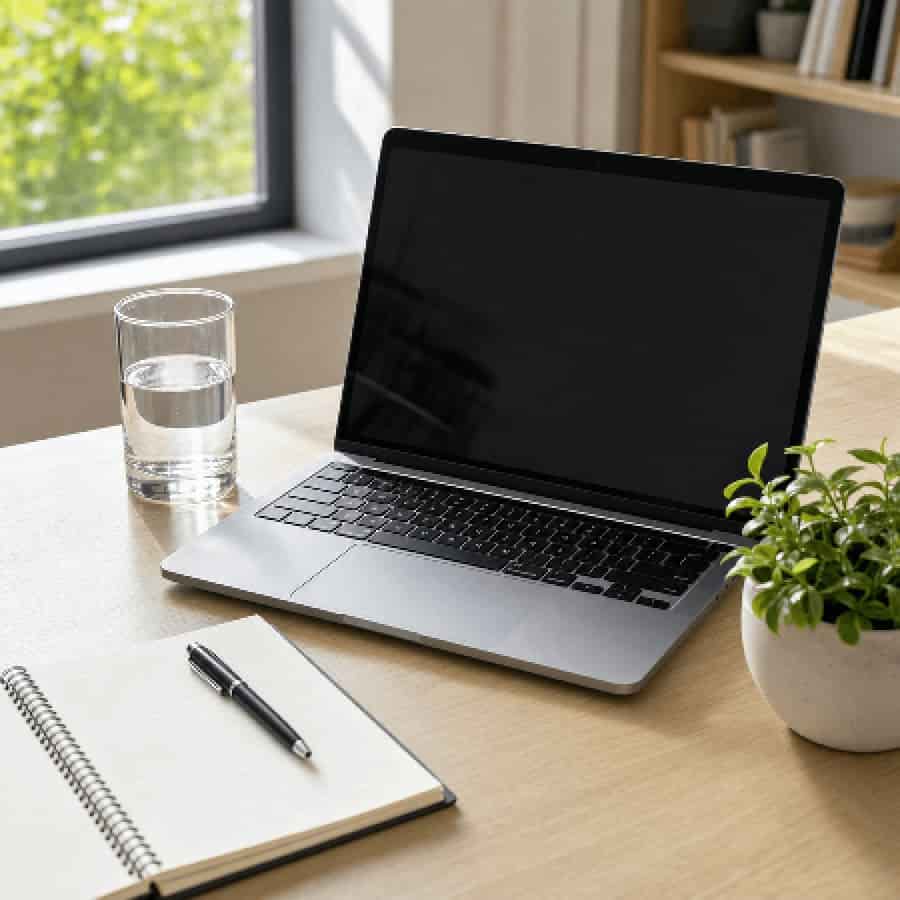
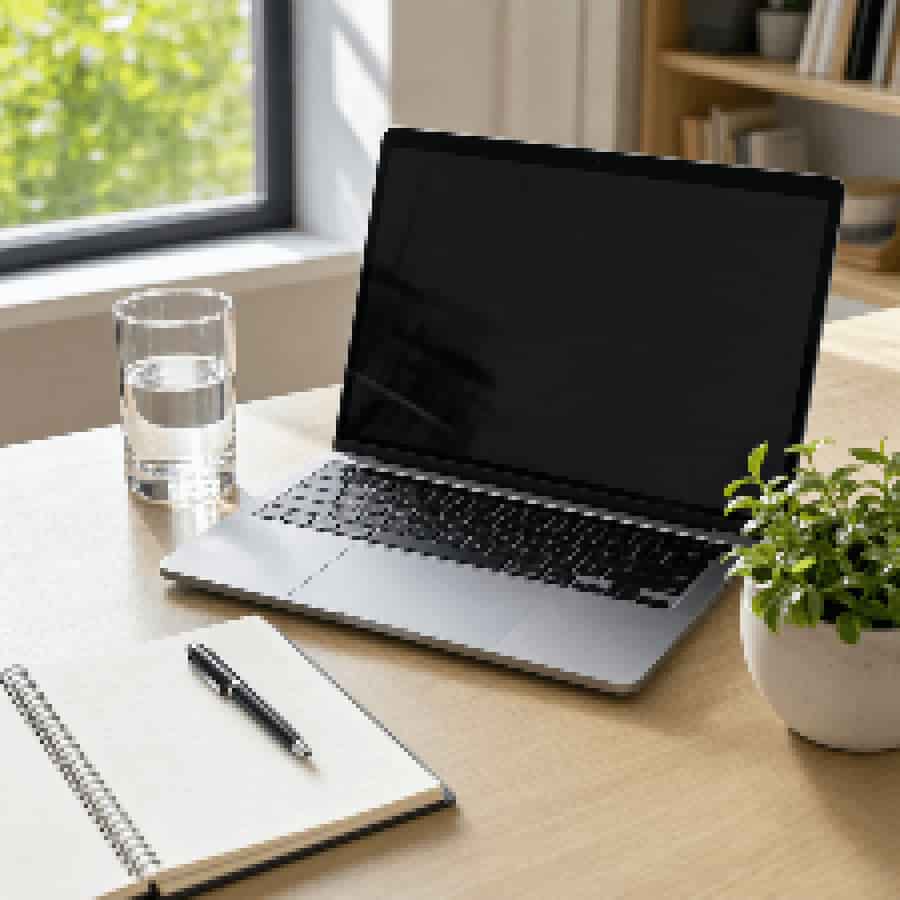
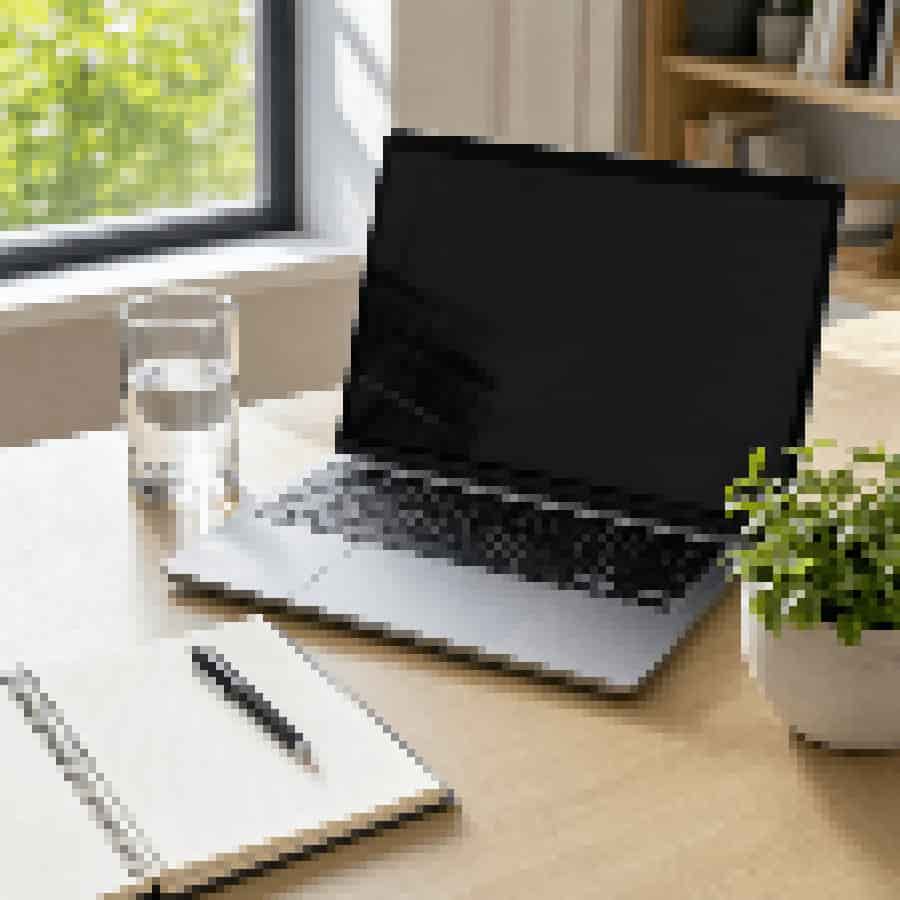
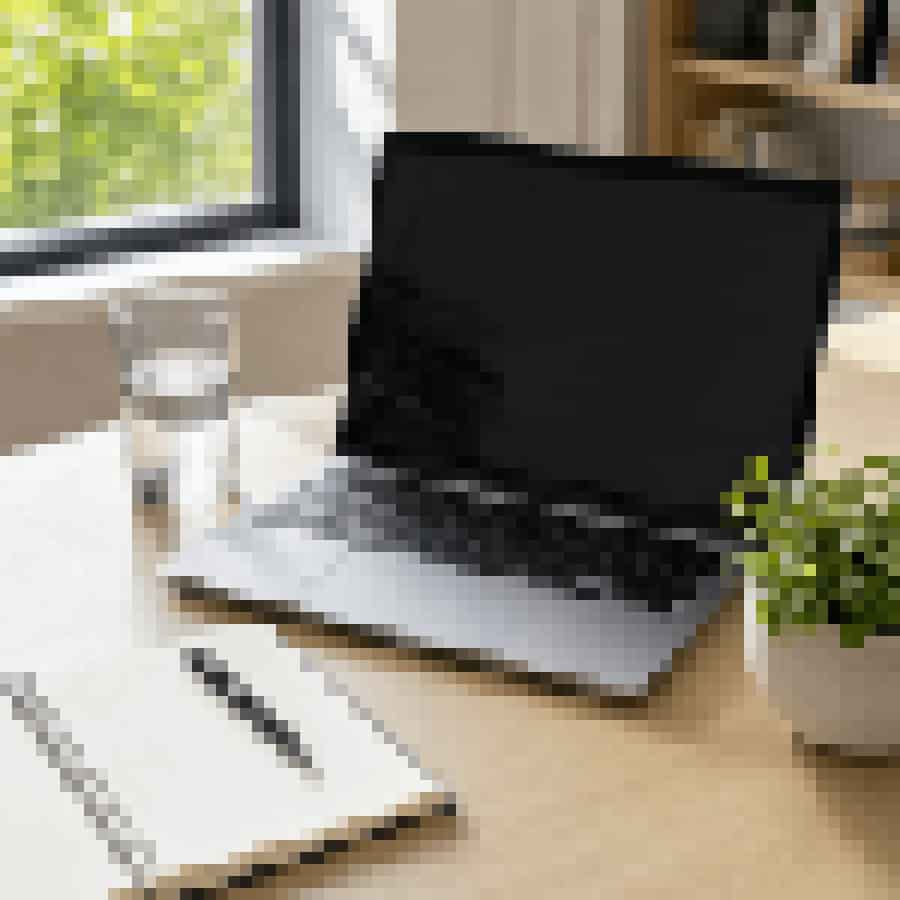
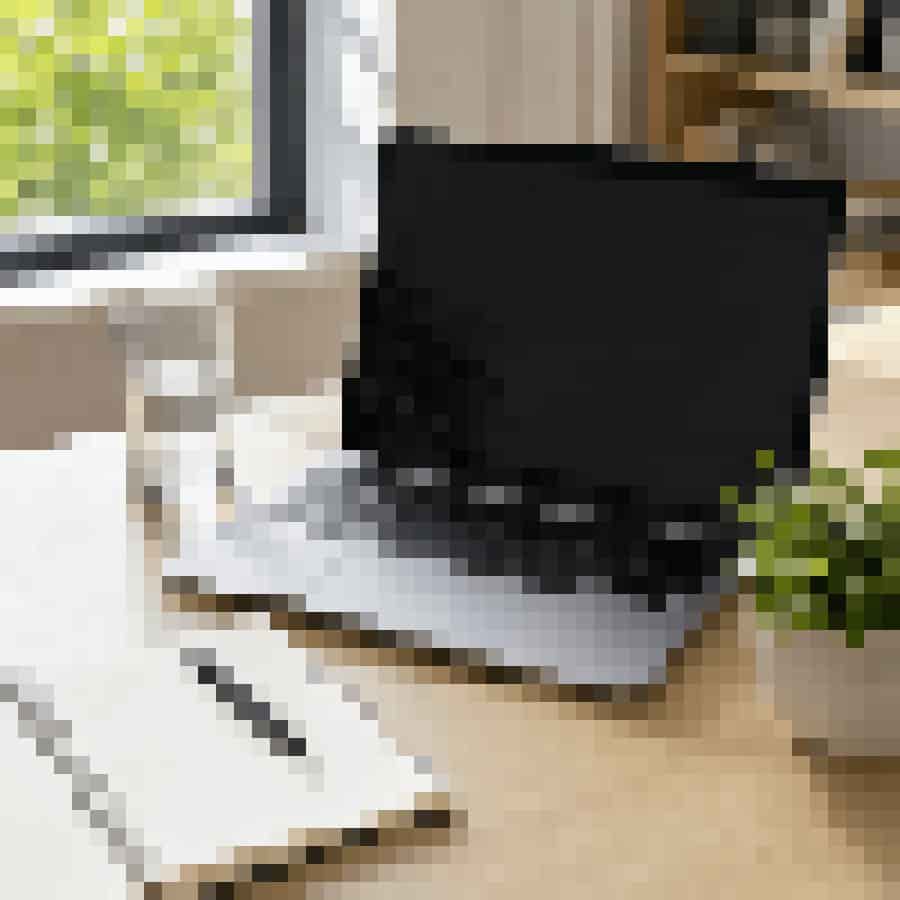
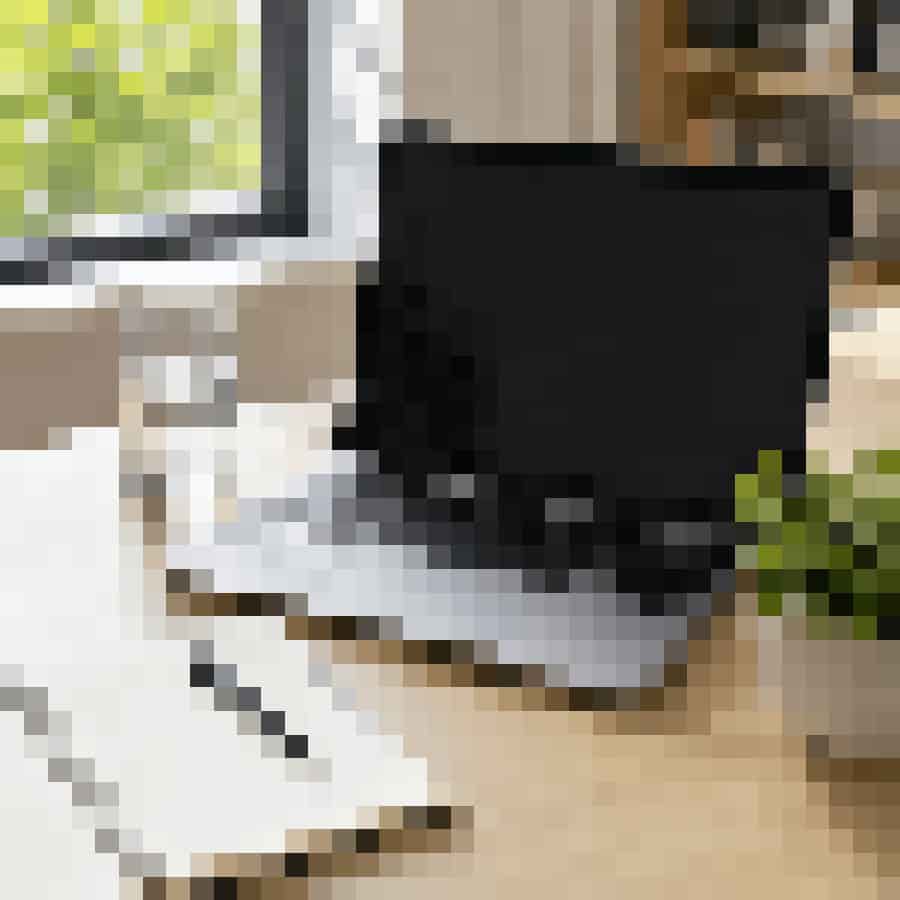
This test uses one 900x900 source JPEG. Every output keeps the same dimensions and the same JPEG quality value. Only pixel size changes, so the comparison shows what the Pixel size control actually does to a low-quality image.
Pixel size 2 and 4 are useful when you want a slightly damaged image that remains natural. Pixel size 8 and 12 create the clearest pixelated image style for memes and low-quality posts. Pixel size 18 and 24 are extreme settings where large blocks become the main visual feature.
- Source
- 900x900 JPEG
- Original size
- 122 KB
- JPEG quality
- 38
- Variable
- Pixel size only
What each pixelated style means
Pixelation is not one fixed look. The same control can create a subtle damaged photo, a blocky meme, a retro thumbnail, or an almost abstract image. Choose the style based on whether the final image must stay readable.
Light pixelation means a subtle low-resolution look. It is useful when the image should look worse but still readable on mobile and desktop.
Blocky meme pixelation means a stronger square-block effect for reactions, reposts, and intentionally rough low-quality images.
Retro pixel look means a cleaner block effect that feels like old thumbnails, early web images, or low-resolution game-style visuals.
Pixel damage means an aggressive setting where detail loss is the point. Use it when the image can become abstract or partly unreadable.
Pixelated vs blurry vs compressed
Use pixelation when the image should look low resolution or blocky. Use blur when the image should look soft, unfocused, or like a bad camera capture. Use JPEG compression when the image should look copied, re-uploaded, smaller, or artifact-heavy.
For a realistic low-quality photo, use mild compression first and small pixelation second. For a pixelated meme, let pixel size do most of the work and keep blur near zero. For a deep fried image, combine pixelation with low JPEG quality, strong contrast, high saturation, and visible noise.
If you are comparing controls, read the JPEG quality settings guide for tested compression ranges. For the broader workflow, see How to Make a Photo Look Low Quality. For the definition and common examples, read What Is a Low Quality Image?. To understand how pixel dimensions differ from pixelation, read What Is a Low Resolution Image?.
Common pixelation mistakes
Making blocks too large for the subject
Large pixel size values can remove faces, text, and product details quickly. If people still need to understand the image, use pixel size 4 to 12 before trying extreme settings.
Adding blur after heavy pixelation
Blur can soften the square blocks that make pixelation recognizable. If the goal is a pixelated image, keep blur low and use JPEG quality or noise for extra damage instead.
Assuming pixelation always reduces file size
Pixelation changes appearance, but file size depends on export format, output scale, JPEG quality, and image complexity. If final KB matters, lower Output scale and JPEG quality after choosing the pixel size.
Try the pixelated image maker
Use Bad Quality Image Maker as a free online pixelated image maker. Upload an image, choose the Pixelated preset, adjust Pixel size, compare the original and result size, and download the blocky low-quality JPG.
For related effects, try the low quality image maker, Image Quality Degrader, or Deep Fried Meme Generator.
For a softer result, choose Lower quality or Blurry in the main tool. Open More image controls to adjust JPEG quality without adding pixelation.
FAQ
How do I pixelate an image online?
Upload the image, choose a Pixelated preset, increase pixel size until the blocks are visible, then adjust JPEG quality, blur, and noise only if you want a rougher low-quality look.
What pixel size should I use for a pixelated image?
Use pixel size 2 to 4 for light damage, 8 to 12 for a clear pixelated image, and 18 to 24 for an extreme blocky effect where fine details are intentionally lost.
Is pixelation the same as JPEG compression?
No. Pixelation enlarges visible square blocks by reducing detail. JPEG compression creates artifacts around edges and gradients. A low-quality image can use both, but they produce different damage.
How do I make a pixelated meme without losing the subject?
Start with pixel size 8 to 12, keep blur at 0 or 1, and use JPEG quality around 25 to 38. If the subject disappears, reduce pixel size before lowering JPEG quality further.
Can I pixelate screenshots and text images?
Yes, but use smaller pixel sizes. Pixel size 2 to 6 usually keeps text partly readable, while larger values can turn letters and icons into blocks.
Does pixelating an image reduce file size?
It can reduce file size when combined with JPG export and moderate JPEG quality. Pixelation alone is a visual effect; output scale and JPEG quality usually have the strongest effect on final KB.