Bad Quality Image Maker
AI ModeConcept preview

Make your image look worse with AI.

Blurry reposts. Greasy food photos. A flash gone wrong.
Describe the damage. Explore what AI can do.

Planned: $0.99 / image

Not available yet. Explore the examples and tell us if you’d try it. No uploads or payments on this page.

Good photos. Bad endings.

6 real AI edits
OriginalAI edit
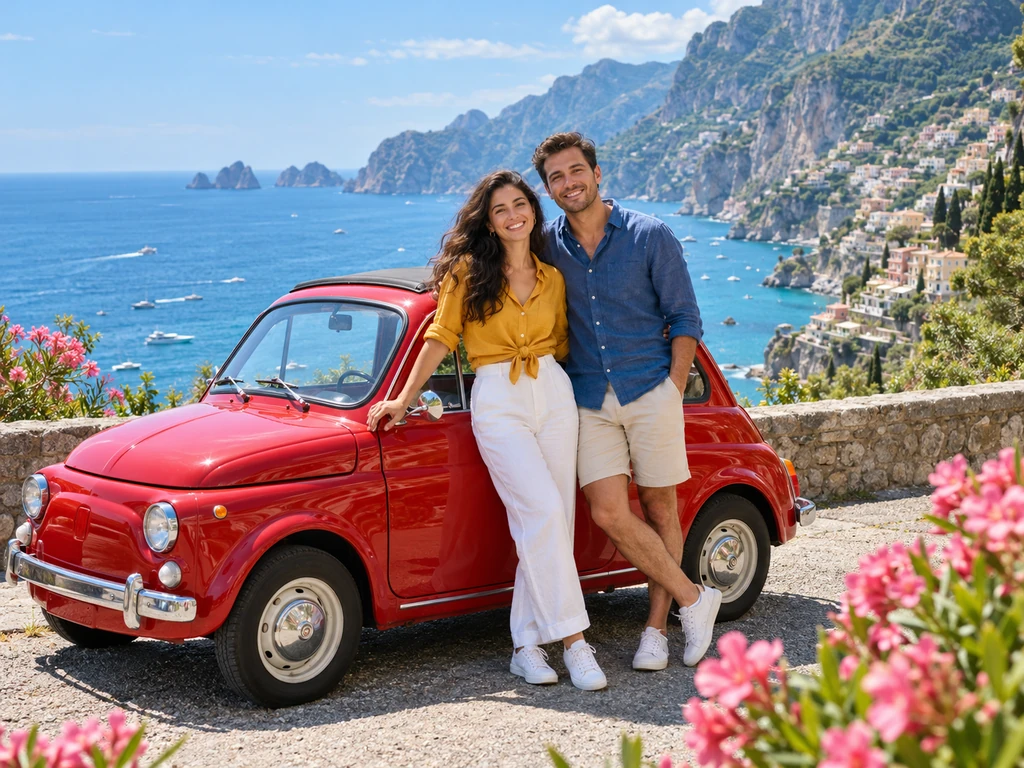
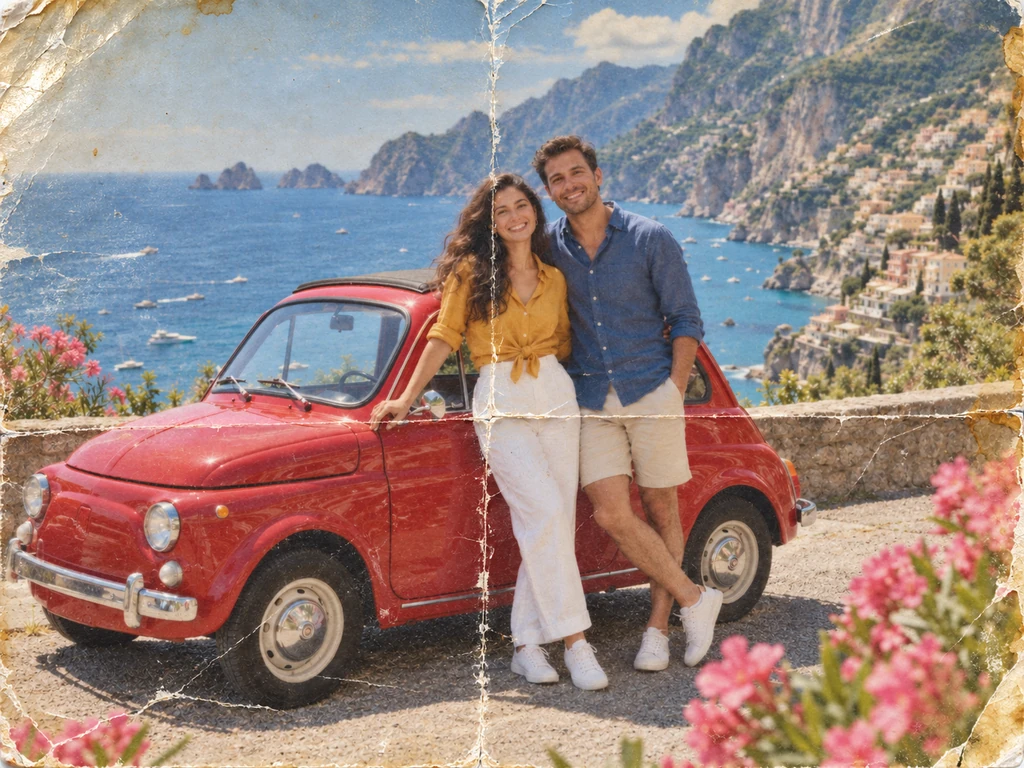
The same coastal photo edited with fold creases, worn edges, and faded colorsAI-generated photo of two friends beside a red car on a sunny coast

Drag to compare · Both images are AI-generated

A photo that’s been through it.

Fold creases, worn edges, faded color. The same holiday memory, after years in a back pocket.

The idea behind this edit

“Make this look like a faded printed photo that was folded, scratched, and photographed again.”

Why worse can work

Why make a good photo look bad?

A bad photo can tell a story a polished image cannot. A blurry repost suggests a joke passed around for years. A faded print suggests a memory someone kept. A greasy food photo turns an appealing meal into a visual punchline. The goal is to choose flaws that fit the mood or the joke.

AI image degradation can go beyond softening pixels: it can reinterpret lighting, surface wear, and the apparent condition of objects. The six comparisons above show actual generated examples of those ideas. This page is a preview; live AI editing is not available yet.

Where the damage fits

Six uses for deliberately low-quality images

Start with what the picture needs to communicate, then choose the kind of damage that supports it.

Reposted memes and group-chat jokes

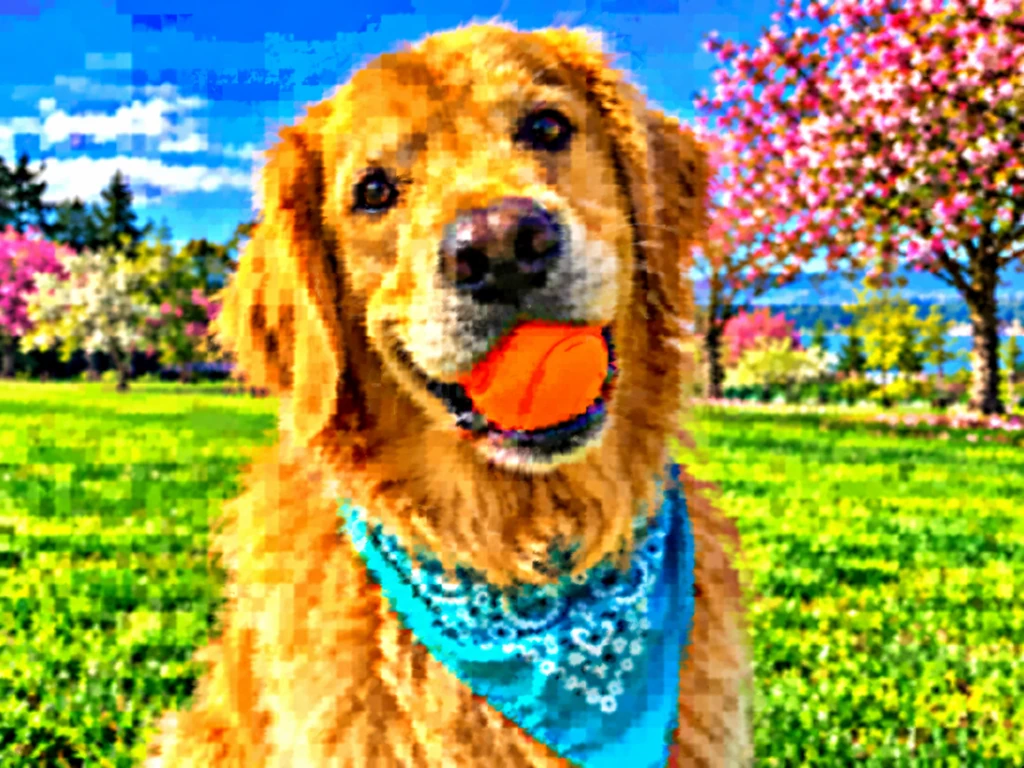
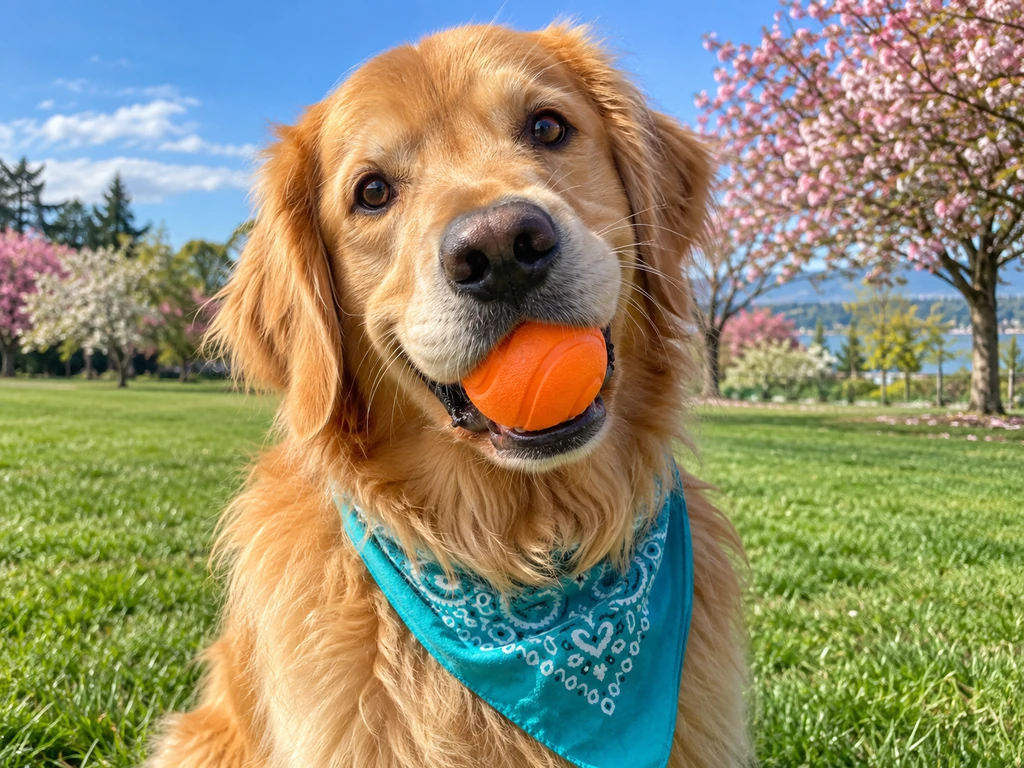
A pristine photo can feel out of place in a deliberately messy meme. Blurred detail, crunchy edges, and overcooked color suggest a picture that has traveled through too many screenshots and group chats. The worn-down appearance can become part of the joke, even when the subject is just a dog with a ball.

Example look Reposted too much

Keep the subject recognizable. If the joke depends on a caption, add the final lettering after the image edit so it stays readable.

Old camera-phone nostalgia

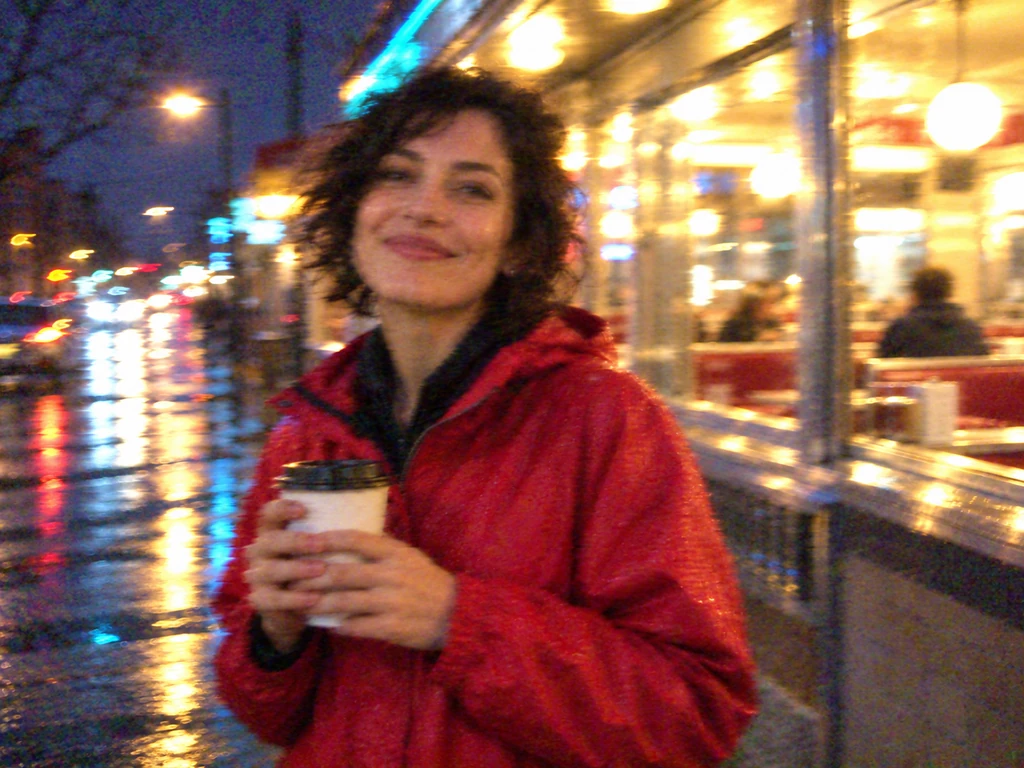
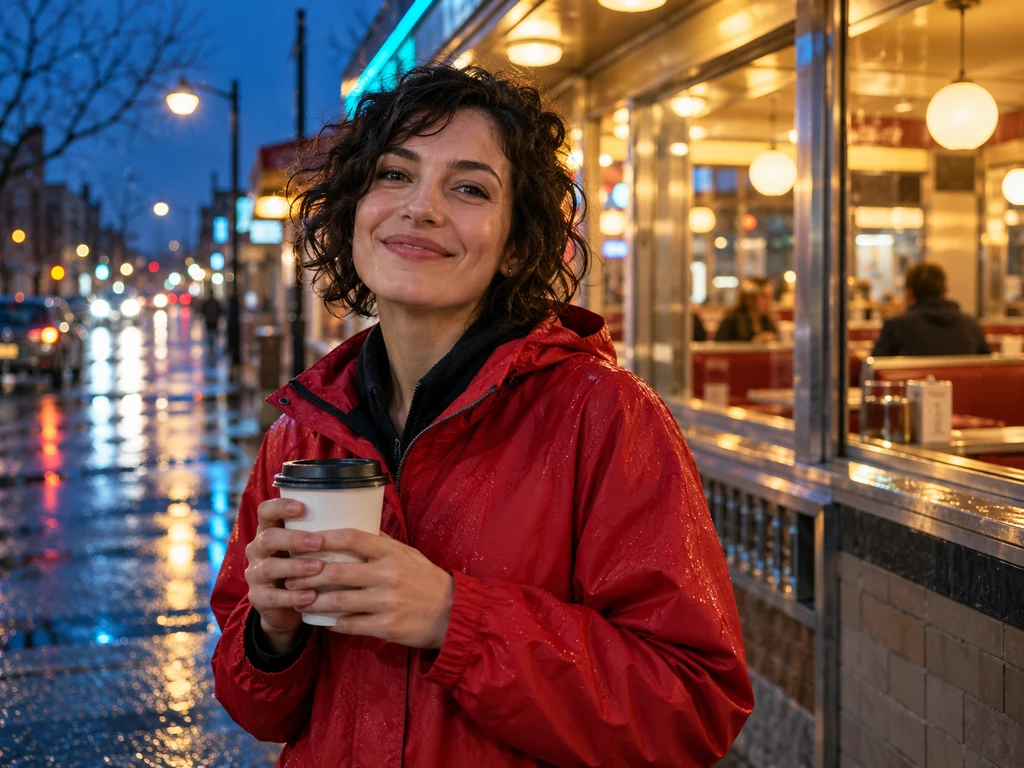
Sharp modern photography does not always match a story set in the early days of camera phones. Noisy shadows, smeared movement, and blown-out streetlights can give a fictional night out the feel of an old phone album. This direction suits nostalgic mood boards, throwback posts, and visual references for a story.

Example look 2005 camera phone

Describe the device and lighting together: a cheap phone, a dark diner, and a shaky hand give the edit a clearer direction than “make it vintage.”

Fictional CCTV and found-footage scenes

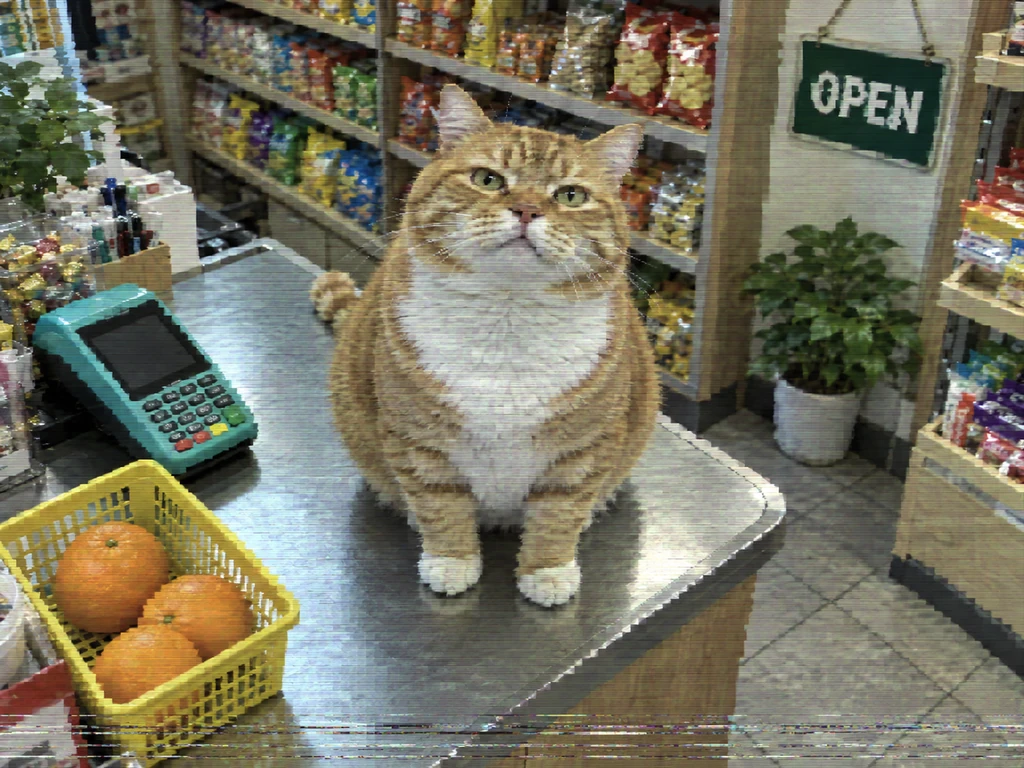
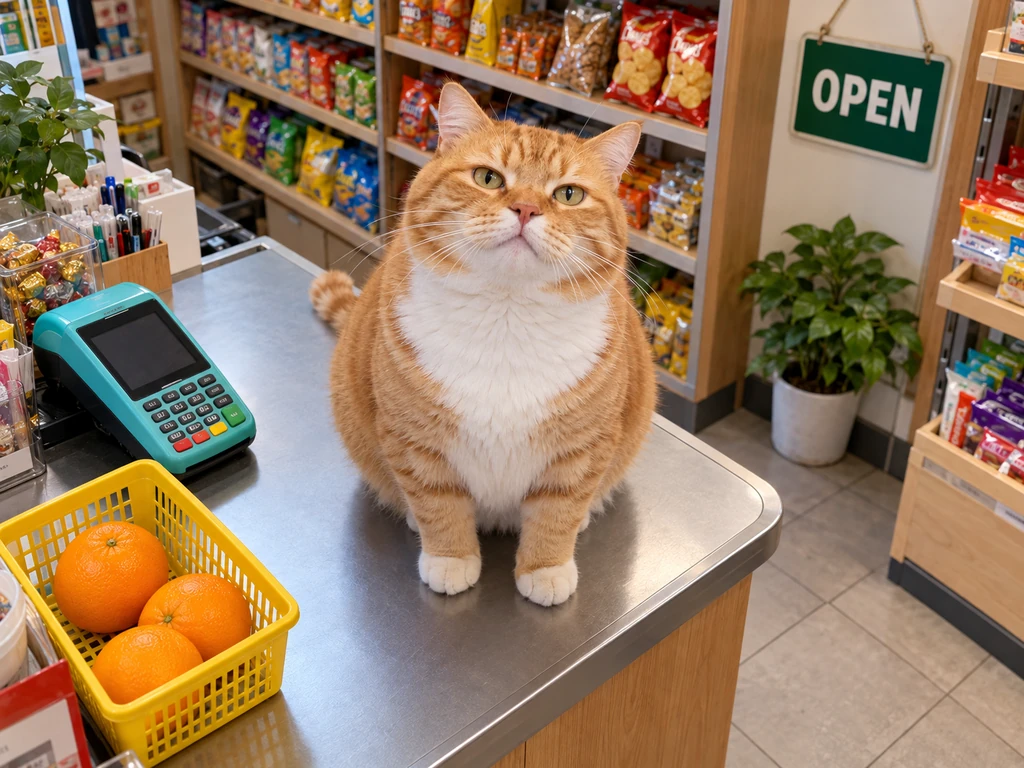
A clean shop photo and a muddy security-camera frame tell different stories. Muted color, scan lines, and missing detail can suggest a distant observer rather than a photographer posing a shot. Use this look for fictional mystery boards, game concept art, or a comic scene presented as a security-camera still.

Example look Bad CCTV

Choose a source image with a useful viewpoint. A photo taken above the subject is a closer starting point than a tight eye-level selfie.

Worn prints for zines and story props

A crease or faded corner can suggest that a photograph has been carried, stored, and handled for years. That physical history is useful in scrapbook layouts, zines, fictional case files, and visual storytelling. The aim is to make the picture feel like a handled object, with uneven wear rather than a uniform layer of noise.

Example look Worn-out print

Name the material and what happened to it: a color print folded in a back pocket calls for different damage than a blurry digital repost.

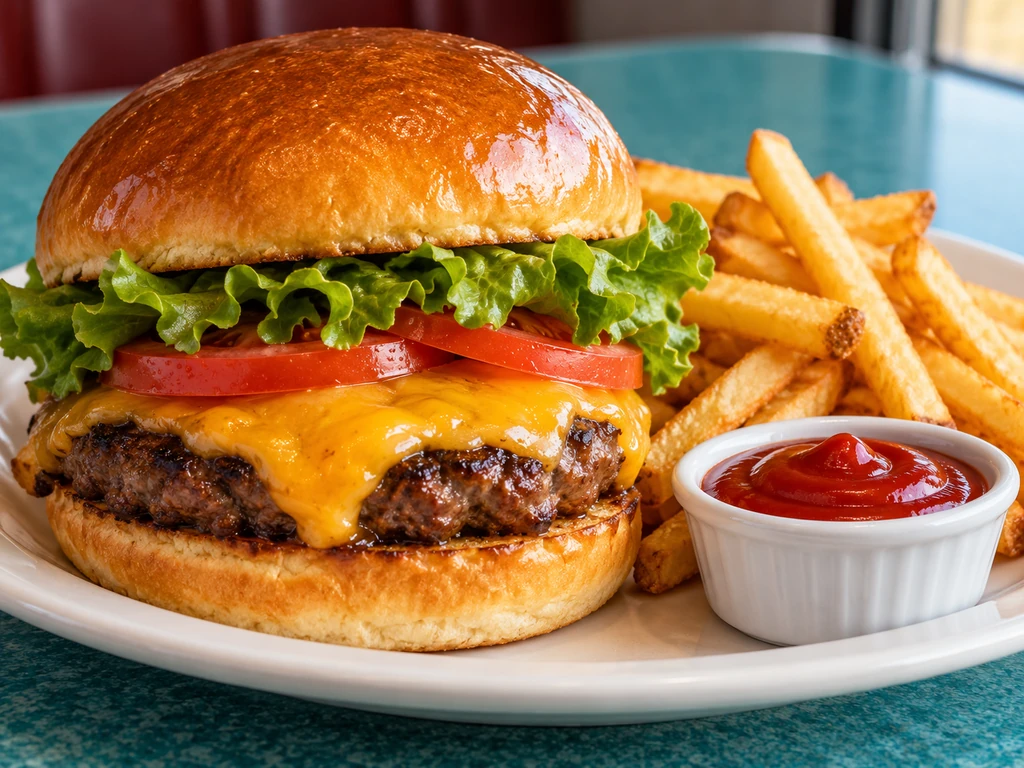
Unappetizing food for visual comedy

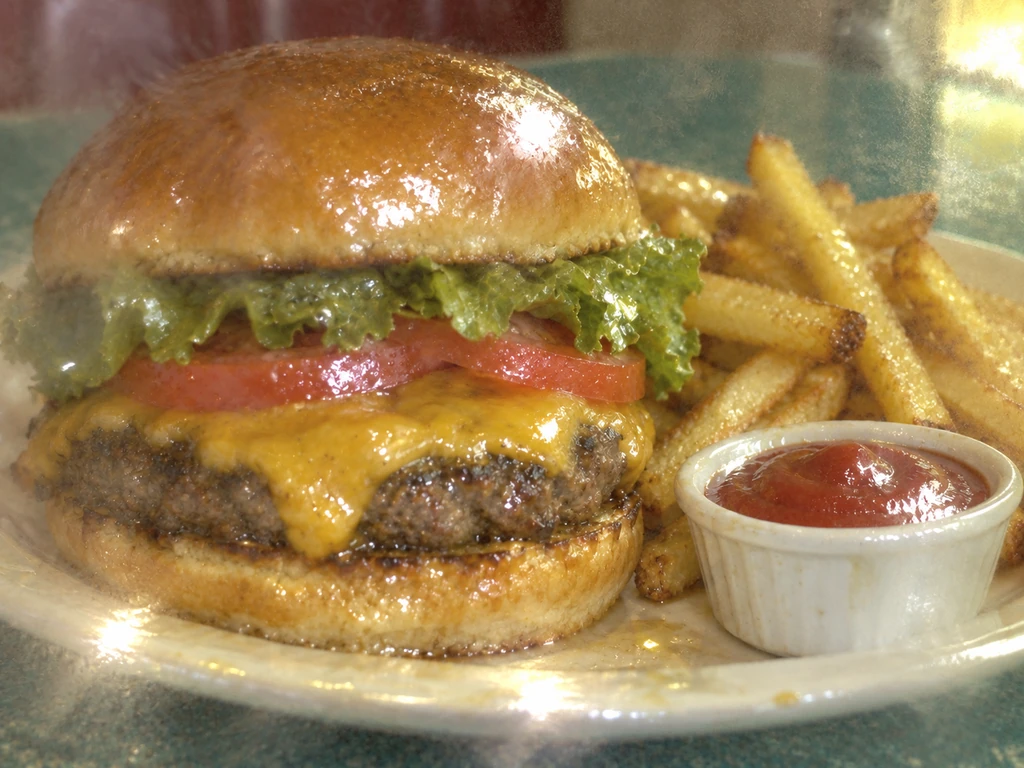
Food photography usually makes a meal look inviting. Reversing that treatment can support a fictional “expectation versus reality” joke, a parody menu, or an exaggerated bad-lunch scene. Greasy glare, dull colors, limp textures, and a smeared lens make an ordinary burger look unpleasant without needing a different subject.

Example look Greasy lens lunch

Say whether you want only bad photography or also changes to the food. In this example, the lettuce and fries look less fresh as well as less sharply photographed.

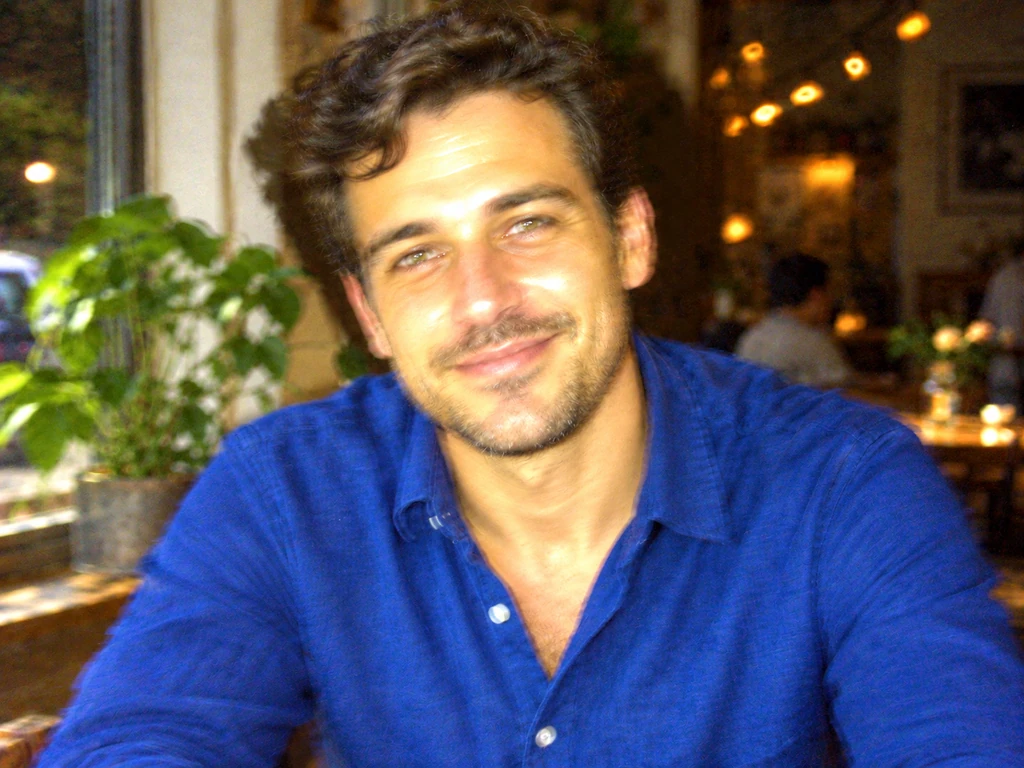
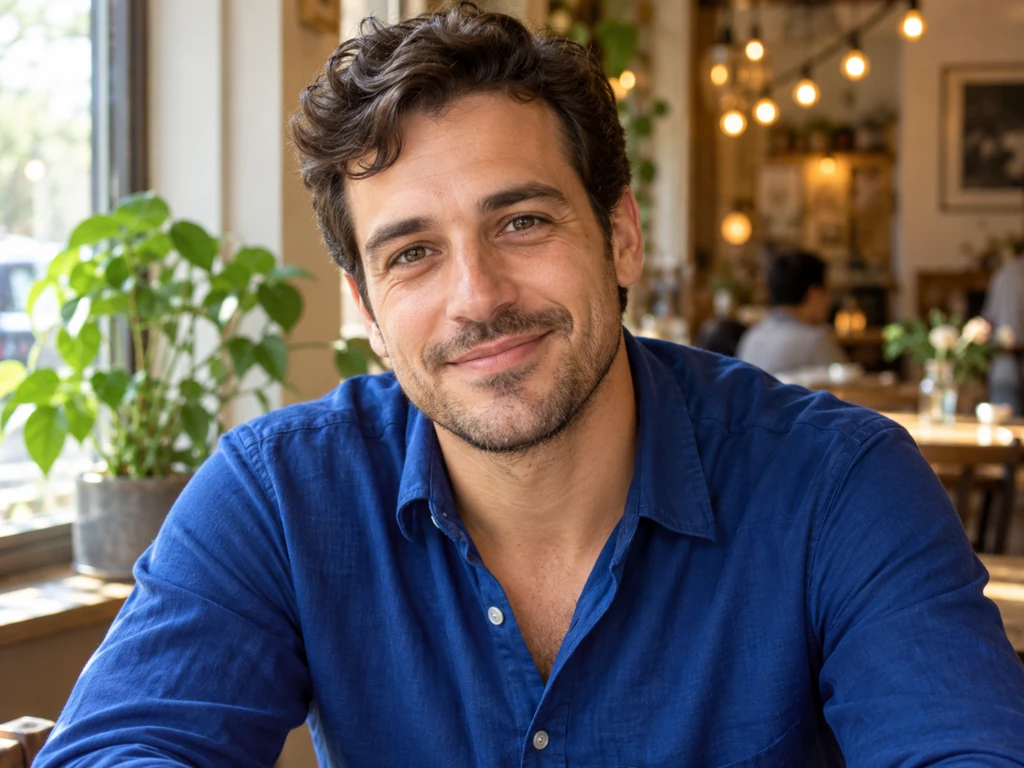
Awkward portraits and bad party photos

Sometimes the joke is how badly a camera captured an otherwise ordinary moment. Harsh flash, an oily-looking highlight, a dark background, and missed focus can turn a relaxed portrait into an embarrassing party snapshot. This is a direction for playful profile-picture experiments, fictional character posts, and deliberately unflattering photo humor.

Example look Flash disaster

Ask for poor lighting and focus while keeping the expression and pose. AI may still change facial details, so inspect the result before choosing it.

Give the flaws a reason

How to describe the bad-photo effect you want

“Make it blurry” names an effect. Describing what went wrong gives an AI edit more direction. The example prompts are ideas for a future editor, rather than a live prompt form.

  1. Name the cause. A cheap night camera, a filthy lens, or a folded paper print calls for different flaws.
  2. Choose two or three visible defects. Try missed focus and flash glare for a party photo, or blocky edges and color smearing for a repost.
  3. Say what should stay. Specify the subject, pose, framing, and important objects. This guides the request, but does not guarantee preservation.
A more specific prompt

“Make this portrait look like a shaky photo from a cheap camera phone at night. Add missed focus, noisy shadows, and blown-out lights. Keep the same person, expression, blue shirt, and framing.”

Choose the right approach

AI editing, blur filters, or file compression?

Looking bad and being a small file are different goals. Use the approach that matches the result you need.

Compare image tools by goal, available tool, and level of control
Your goalWhere to startWhat to expect
Control blur and pixelsFree image quality degraderAdjust visual effects directly, without asking AI to redraw the scene.
Create damage with a storyAI Mode examples on this pageExplore worn paper, bad lighting, and scene changes. Live generation is planned.
Meet an upload size limitReduce image size in KBWork toward a smaller file instead of deliberately changing the photo’s style.

Questions about making photos look worse

Why would I want to make a photo look worse?

Deliberate image damage can serve a joke or a story: a heavily reposted meme, an old camera-phone memory, a fictional CCTV frame, or a worn print. The useful effect is the context it suggests, not simply making every detail harder to see.

What is the difference between AI editing and a low-quality filter?

A filter applies predictable operations such as blur, pixelation, and color changes. AI can reinterpret lighting, materials, and objects to suggest a situation, such as a greasy lens or a folded print. That flexibility also means it may alter details you wanted to keep.

Can these effects make food look gross or unappetizing?

The food example combines greasy lens haze, sickly lighting, and less appealing food textures. It shows one possible direction for food parody. Changing apparent ingredients or freshness is a content edit, so specify whether you want that or only poorer photo quality.

Does making an image look worse reduce its file size?

Not necessarily. Visual quality, pixel dimensions, and file size are different things. An AI edit can look blurry or noisy while remaining a large file. Use a file-size compressor when your goal is a smaller attachment or an upload limit.

Can I upload my image and use AI Mode now?

Not yet. This page shows example results and collects interest in a planned service. It has no image upload, live generation, or payment checkout. You can use the free image maker today.

What would $0.99 include?

The proposed price is $0.99 for one generation producing one downloadable image, with no subscription. This is a planned offer, not a purchase. Clicking the interest button does not charge you, reserve a credit, or create an account.

Could I write my own prompt?

That is the idea: choose a suggested look or describe the damage you want in your own words. The example prompts here show possible directions; custom prompts are not available on this preview page.

Will AI keep faces and text exactly the same?

Not always. AI editing can change facial details, lettering, and objects as well as image quality. These examples keep the main subjects recognizable, but they do not guarantee the same result on every image.

How were these examples made?

Both the original images and the edited results were generated with AI. Each edit used its original image as a reference. The comparisons show actual generated results, with no extra damage filters added afterward.